How to Make AI Product Photos for Your Clothing Brand (No Photoshoot)
Guides · · 4 min read · By The Elsewhere Studios Team
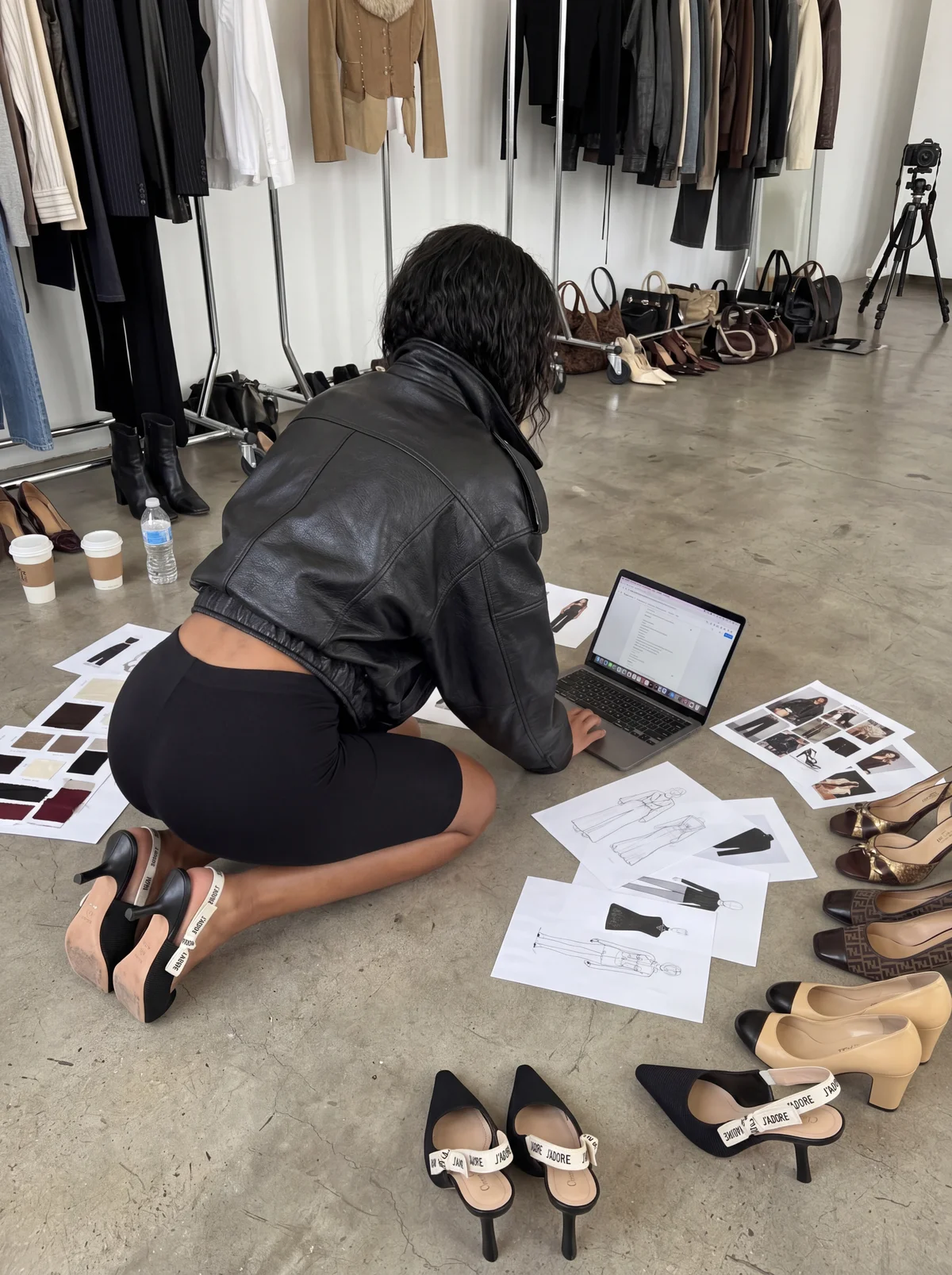
Photoshoots are the bottleneck for most clothing brands. Every drop means booking a photographer, models, a location and a stylist, then waiting weeks for edits. For a small brand dropping new pieces every month, that does not scale.
AI changes that. With the right tool, you can take a simple photo of your garment and turn it into on-model e-commerce shots, editorial campaign images and social content the same day. This guide walks through exactly how.
Step 1: Shoot a clean product photo
The better your input, the better your output. You do not need a pro camera. A phone works if you follow a few rules.
- Use daylight or soft, even light. Avoid harsh shadows.
- Lay the garment flat or hang it straight so the shape, print and logo are clear.
- Fill most of the frame with the product.
- Shoot details separately if they matter, like embroidery, tags or hardware.
Step 2: Pick the look you are going for
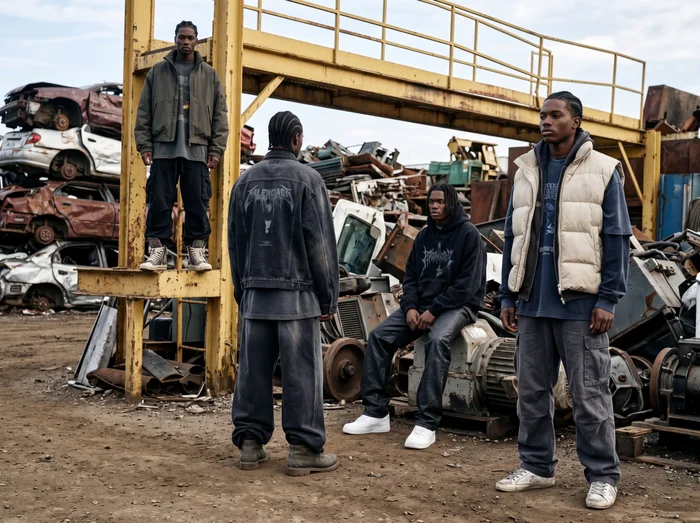
Save one or two inspiration images from Pinterest, Instagram or a brand you admire. Think about the setting, the lighting and the mood. Streetwear on a city rooftop at golden hour reads very differently from loungewear in a soft, sunlit bedroom.
On Elsewhere Studios, drop that inspiration image into Echo and it writes the full prompt for you, describing the lighting, camera angle, styling and mood. No prompt writing skills needed.
Step 3: Choose or build your model

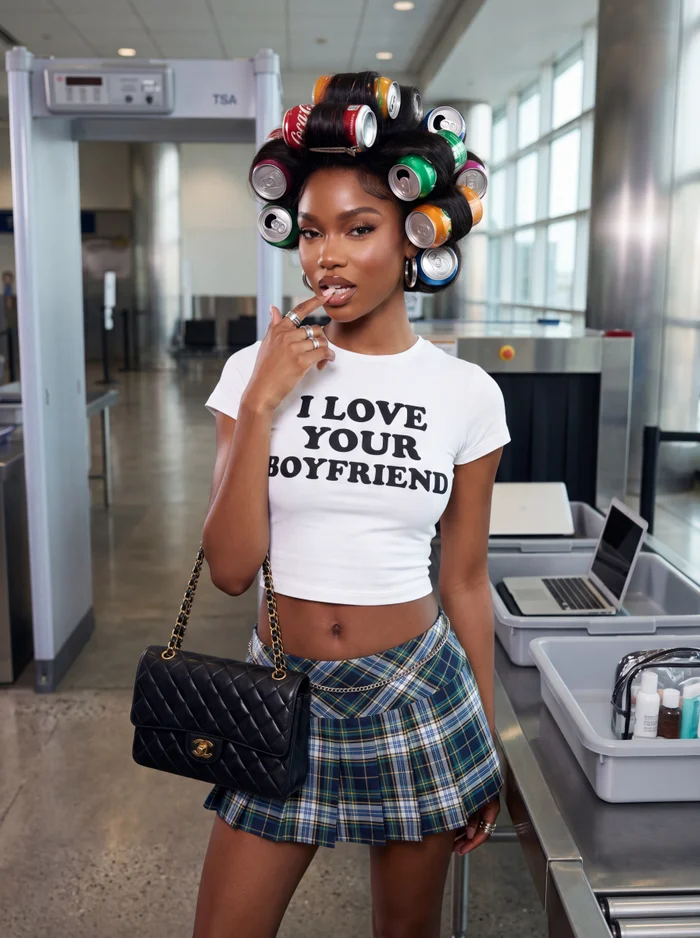
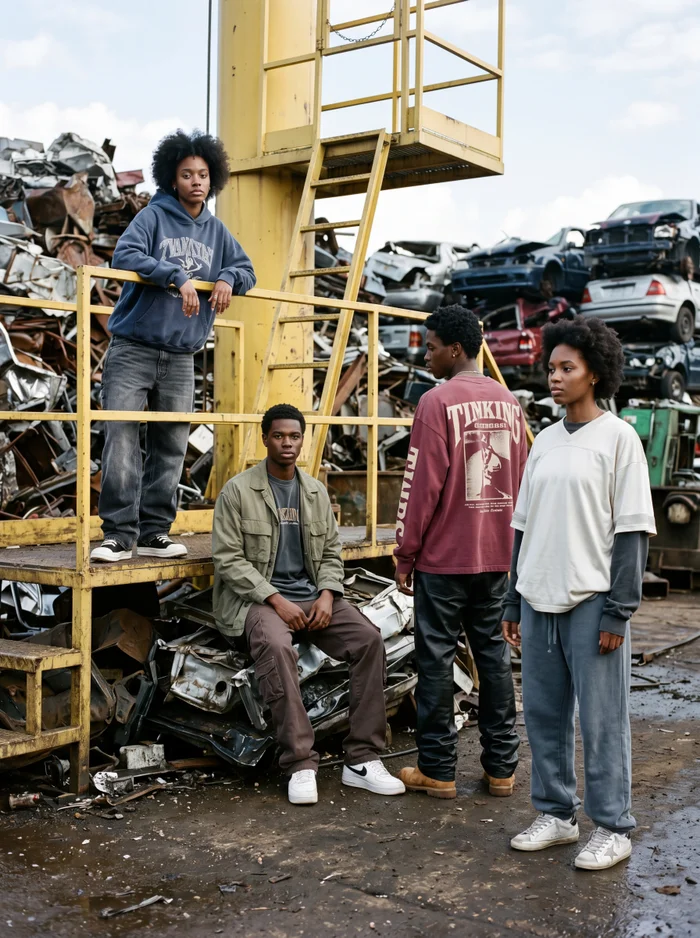
Consistency is what makes a campaign look like a real brand instead of random AI images. Pick one model and keep them across the whole drop.
In Model Studio, you can build a brand model with the look, age range and style that fits your customer, then reuse that same model in every shot and video.
Step 4: Generate your images
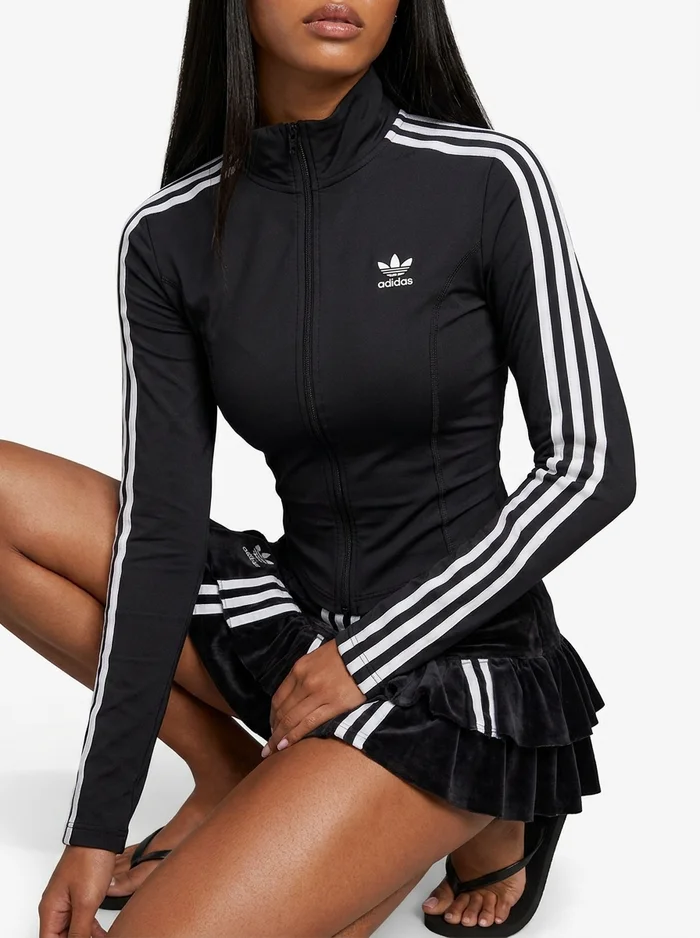
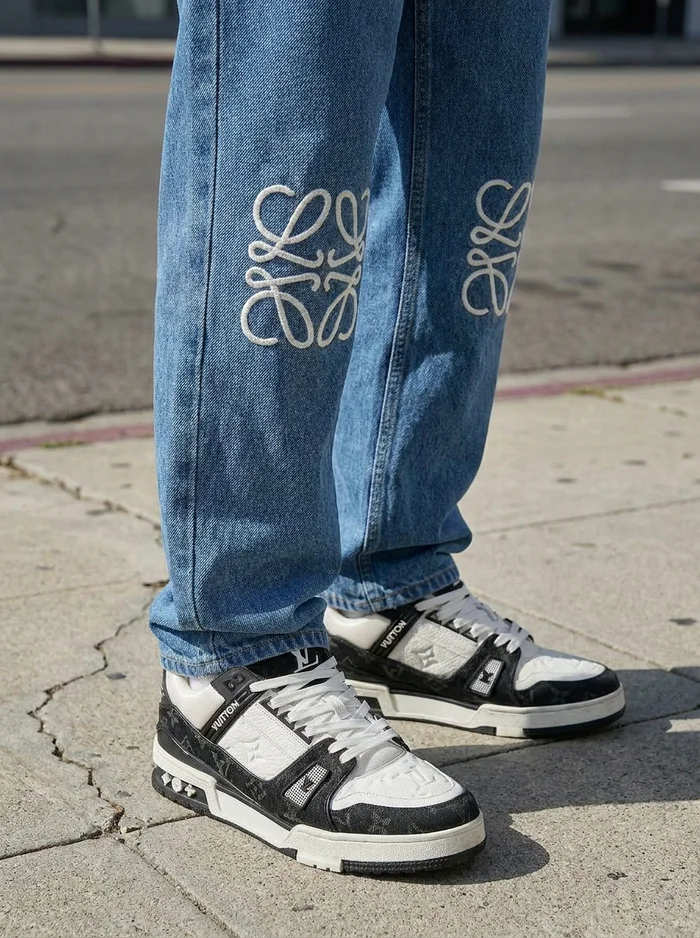
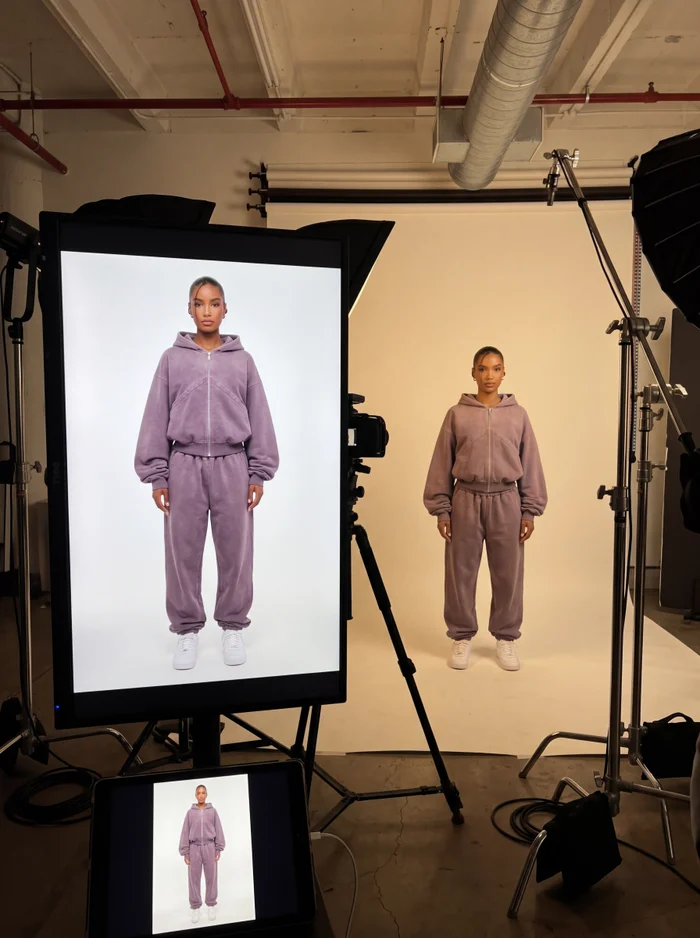
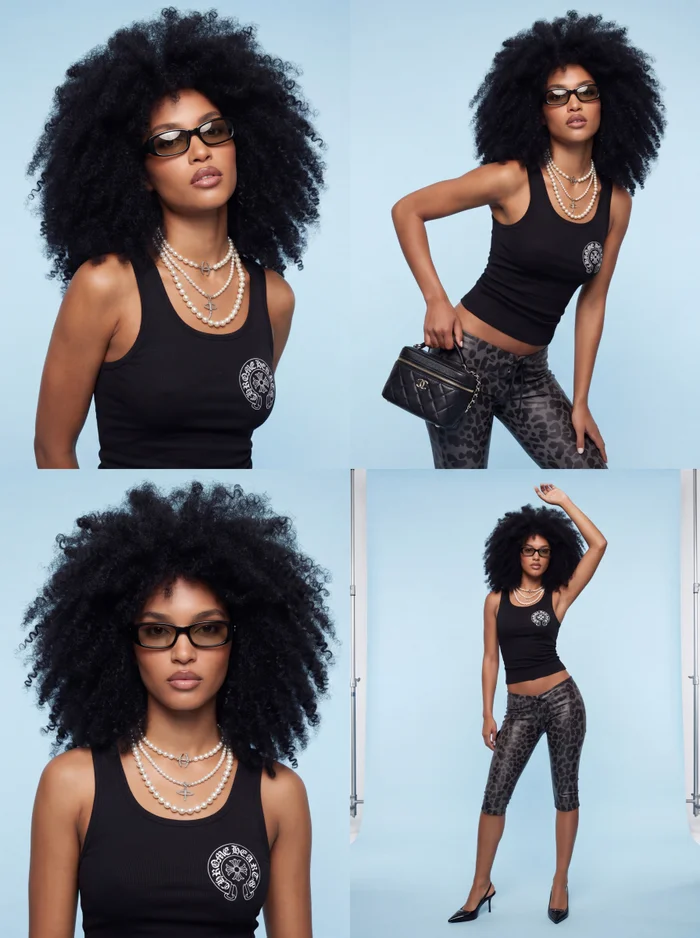
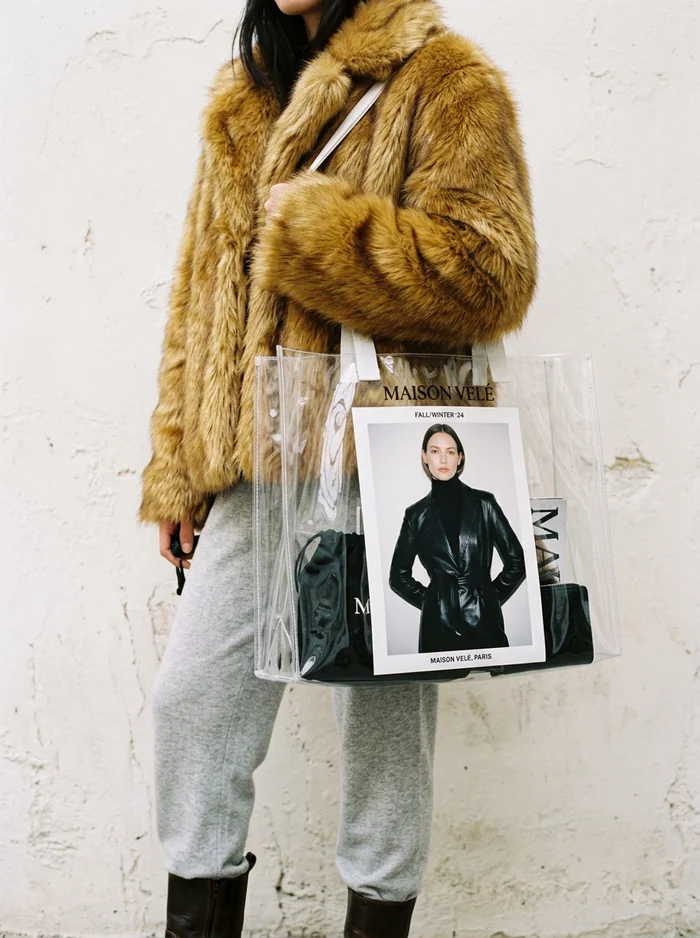
Upload your product photo as a reference, add your model, paste or tweak the prompt, and generate. For e-commerce, a clean studio background works best. For campaigns, go for a real-world location that matches your brand.
- E-commerce: front, side and back views on a plain background.
- Lifestyle: your model wearing the piece in a natural setting.
- Editorial: bold styling, dramatic light, magazine-style framing.
- Detail shots: close-ups of fabric, prints and logos.
Step 5: Refine, do not settle
AI is iterative. Your first result is a starting point, not the final answer. If a detail is off, adjust the prompt and run it again, or use your best image as a new reference to lock in what is working.
- Logo looks wrong? Add a close-up reference of the logo.
- Fit looks off? Describe the fit: oversized, cropped, relaxed, tailored.
- Colors drifting? Name the exact colors in the prompt.
Step 6: Turn your photos into video
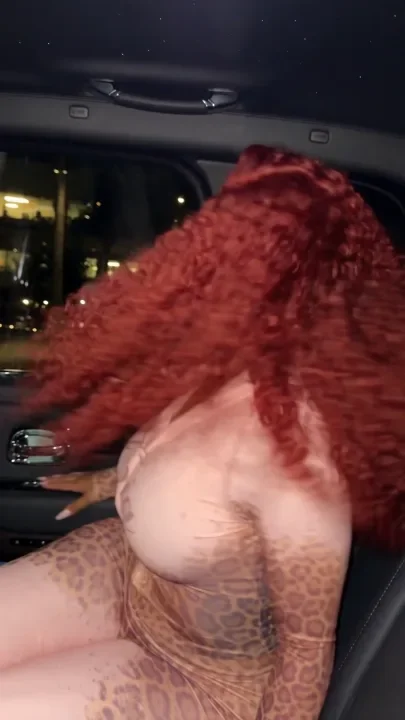

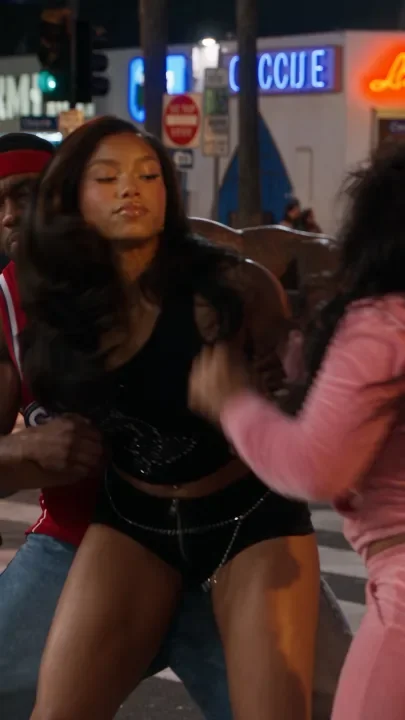
Once you have a hero image, you can animate it. A five to ten second clip of your model walking, turning or posing works great for Reels, TikTok and ads. On Elsewhere Studios, cinematic video and UGC-style video ads live right next to your images, so you can go from photo to video without switching tools.
How much does it cost compared to a photoshoot?
| Traditional photoshoot | AI with Elsewhere Studios | |
|---|---|---|
| Cost | Often $1,500 to $10,000+ per shoot | Free to start, paid from $19/mo |
| Turnaround | 1 to 4 weeks | Same day |
| Models and locations | Booked and paid per shoot | Unlimited, reusable |
| Reshoots | Expensive | Generate again |
Photoshoot costs vary widely by market and crew size.
Many brands still do a real shoot for their biggest launch moments and use AI for everything else: weekly drops, product pages, ads and social content.
Frequently asked questions
Can AI really make realistic clothing product photos?
Yes. Modern image models can place your garment on a realistic model with accurate fit, fabric and color. Starting with a clean product photo and refining a couple of times gives the best results.
Do I need a model or photographer?
No. You only need a clear photo of the product. The AI creates the model, the setting and the lighting.
Will my logo and print stay accurate?
Usually, especially with a clear reference image. For small logos or detailed prints, add a close-up reference and mention the detail in your prompt.
Can I use the same model for every product?
Yes. On Elsewhere Studios, Model Studio lets you build a brand model and reuse them across every photo and video.
Can I use these images on my store and in ads?
Yes. What you create on Elsewhere Studios can be used on your website, product pages, social and paid ads.
Build Your First AI Campaign
Get it free in your inbox, plus our best tips for making content with AI.
Keep reading