How to Create AI Drama Stories, From First Idea to Finished Episode
Creators · · 4 min read · By The Elsewhere Studios Team
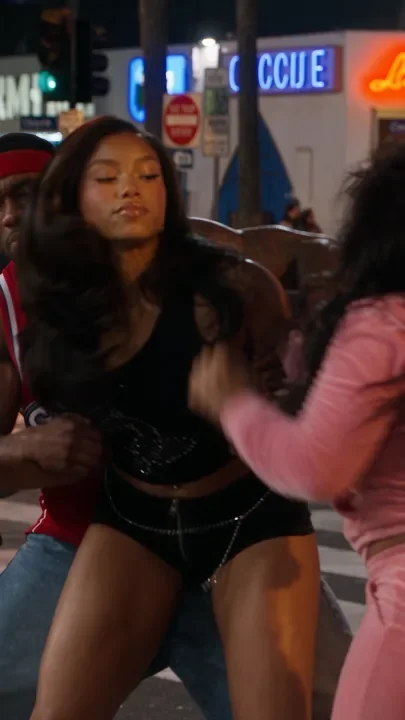
AI drama stories are one of the fastest growing formats on TikTok, Reels and YouTube Shorts. A realistic cast, a familiar setting, messy relationships and a cliffhanger that makes people hit follow for part two.
This guide breaks the whole process into five simple stages. You can make your first episode today, even if you have never written a script or used an AI video tool before.
Stage 1: Get your story idea with ChatGPT
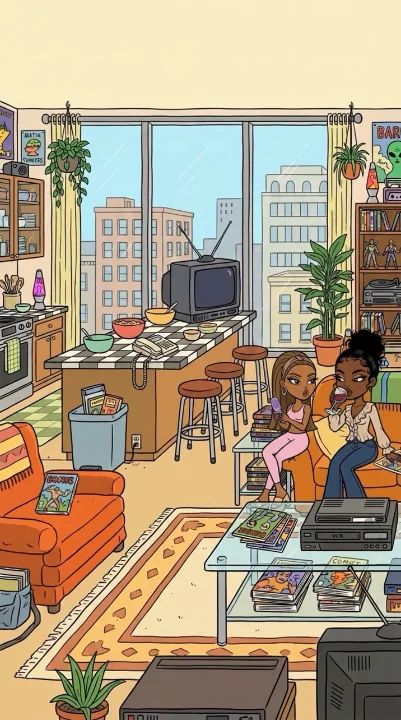
Start with a setting people instantly recognize. High school, a hair salon, a family cookout, a group of best friends. Then ask ChatGPT for ideas. Copy this prompt and fill in the brackets:
Pick the idea you would actually want to watch. If you are not hooked, your audience will not be either.
Stage 2: Create your cast
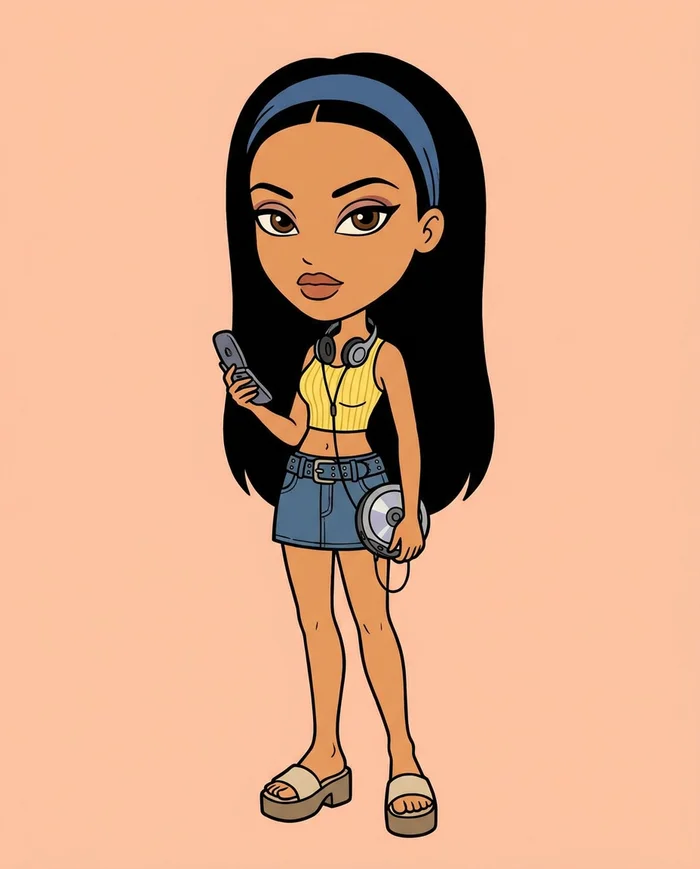
Your characters are the whole show, so they need to look exactly the same in every episode. Keep the main cast small, two or three people, and give each one a clear look and a clear role.
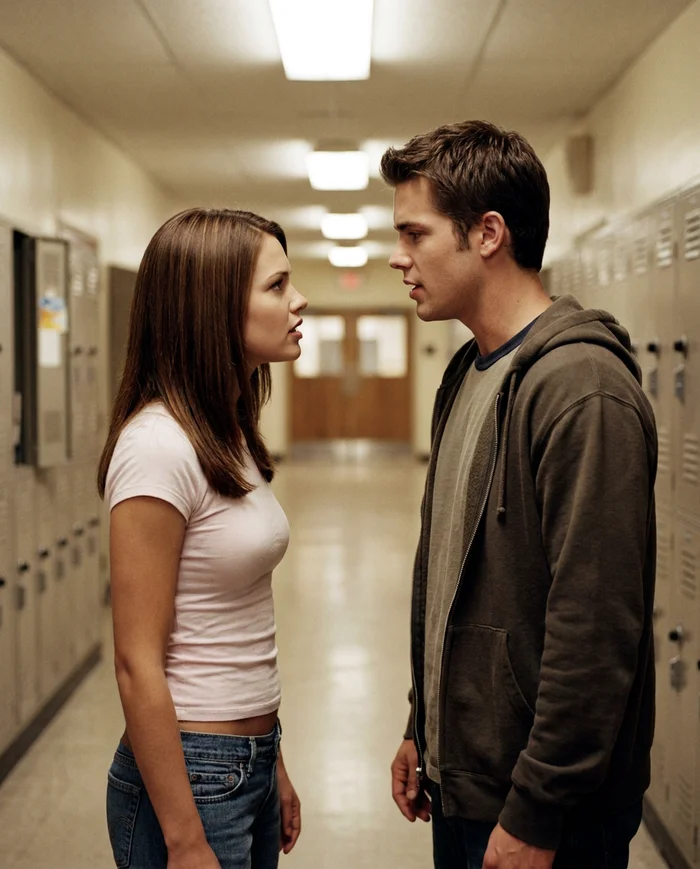
- Build each character once on Elsewhere Studios, then reuse them in every scene.
- Give each one a signature: a hairstyle, a jacket, a color they always wear.
- Write a one-line personality for each: the popular one, the new girl, the friend with a secret.
Stage 3: Dress your characters
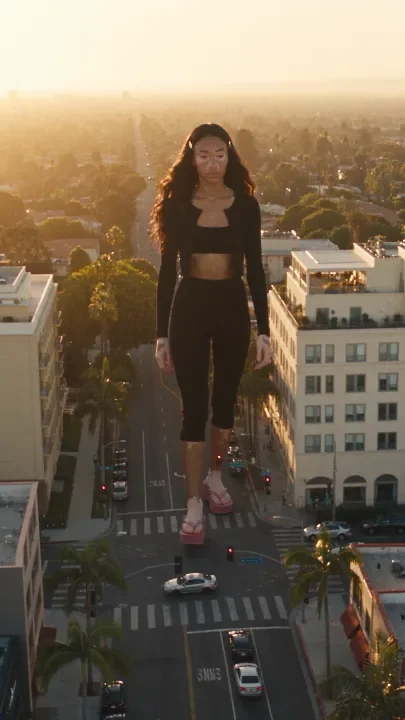
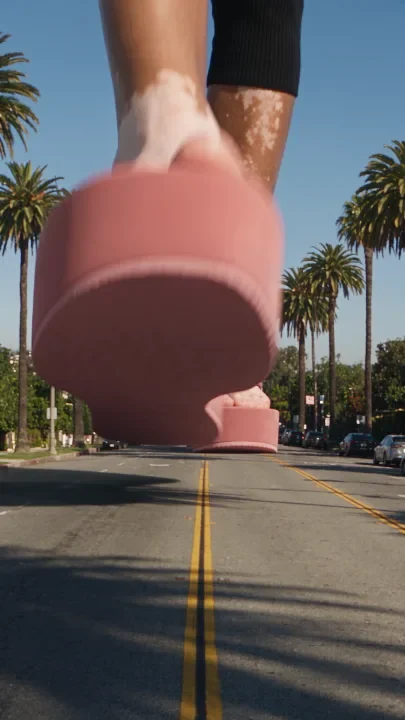
Outfits do a lot of storytelling. The same character in a cheer uniform, a prom dress or pajamas tells the viewer exactly where we are in the story. Add outfits to your characters before you generate, so the clothes stay consistent across every shot in a scene.

Stage 4: Organize your scenes with ChatGPT
Now turn your idea into scenes. Ask ChatGPT to break episode 1 into short scenes and write a video prompt for each one, with dialogue included. Use this template:
- Open on the most dramatic moment, not the setup.
- One or two lines of dialogue per character per scene.
- End every episode on a reaction or a reveal.
Stage 5: Turn your scenes into video
Paste each scene prompt into the video creator, tag your characters, and generate. Then add the finishing touch: a vintage filter like 2000s TV, Camcorder or VHS makes AI footage feel like a show you grew up watching.
Stitch the scenes together in CapCut, add captions, and post it as Part 1. Post the next part within a day or two so people come back.
Learn it step by step: the AI Story Drama Masterclass

Every paid Elsewhere Studios plan includes our Masterclass video courses at no extra cost. The AI Story Drama Masterclass shows the exact process we use to create viral AI drama series, in five lessons:
- Start Here: The AI Drama Series Breakdown
- Create Your Cast
- Dress Your Characters in Outfits
- Organize Your Scenes with ChatGPT
- Turn Your Scenes into Video
Plans start at $19/month and include all three courses: the AI Campaign Masterclass, the AI Story Drama Masterclass and the AI Animation Masterclass. Not ready yet? You can watch a short preview of every lesson first.
Frequently asked questions
How do I create an AI drama story?
Get a story idea with ChatGPT, create a small consistent cast, dress your characters, have ChatGPT break the episode into scene prompts with dialogue, then generate each scene as video and edit them together.
How do I keep AI drama characters consistent?
Create each character once and reuse them in every scene instead of describing them from scratch. On Elsewhere Studios your characters keep the same face across every shot.
Is there a course on making AI drama videos?
Yes. The AI Story Drama Masterclass walks through the full process in five video lessons, and it is included with every paid Elsewhere Studios plan.
Can the characters talk?
Yes. Write the dialogue into each scene prompt and the characters speak on screen.
How long should an AI drama episode be?
Most episodes run 30 to 90 seconds, built from 3 to 6 short scenes.
AI Drama Stories
Get it free in your inbox, plus our best tips for making content with AI.
Keep reading