How to Make an AI Cartoon Series With the Same Characters Every Episode
Creators · · 4 min read · By The Elsewhere Studios Team

Animated series used to take a studio, a team of animators and months of work. Now creators are making their own cartoon shows for YouTube, TikTok and Instagram with AI, from a single idea to a full episode in an afternoon.
The hardest part has always been consistency. Your main character needs to look the same in episode ten as in episode one, in the same house, on the same street. Here is how to do it.
Step 1: Pick your style
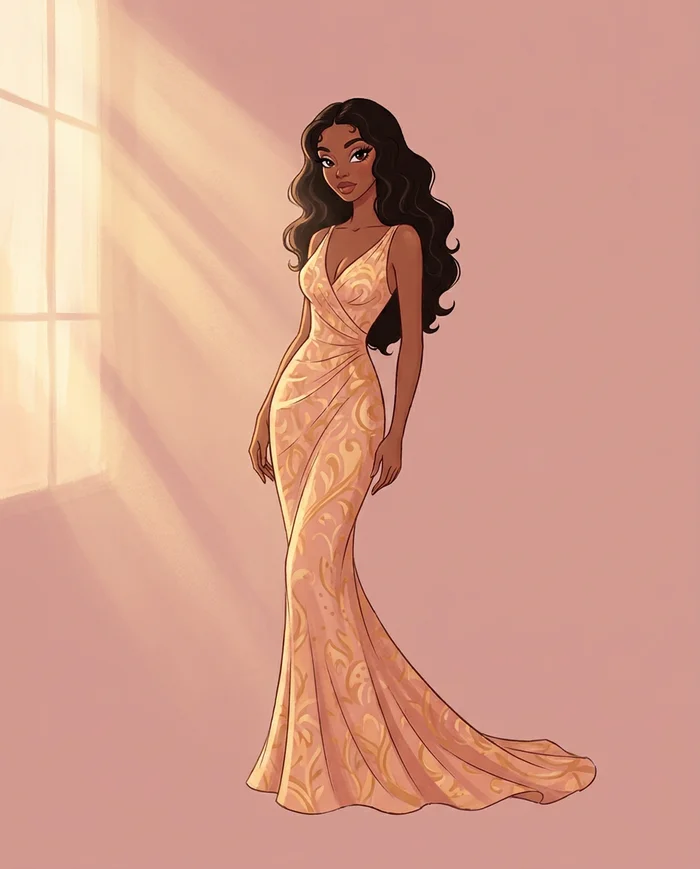
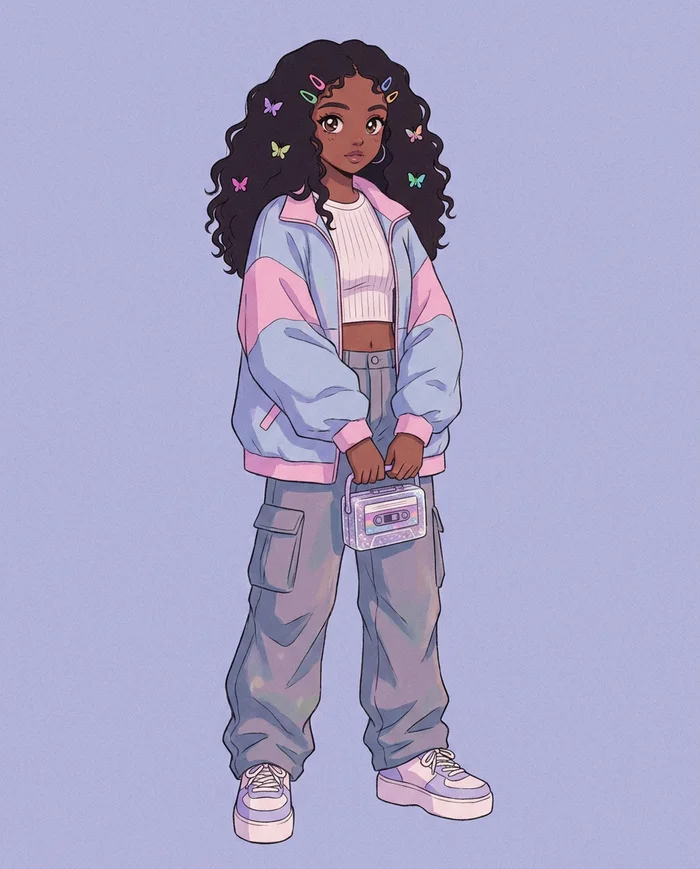
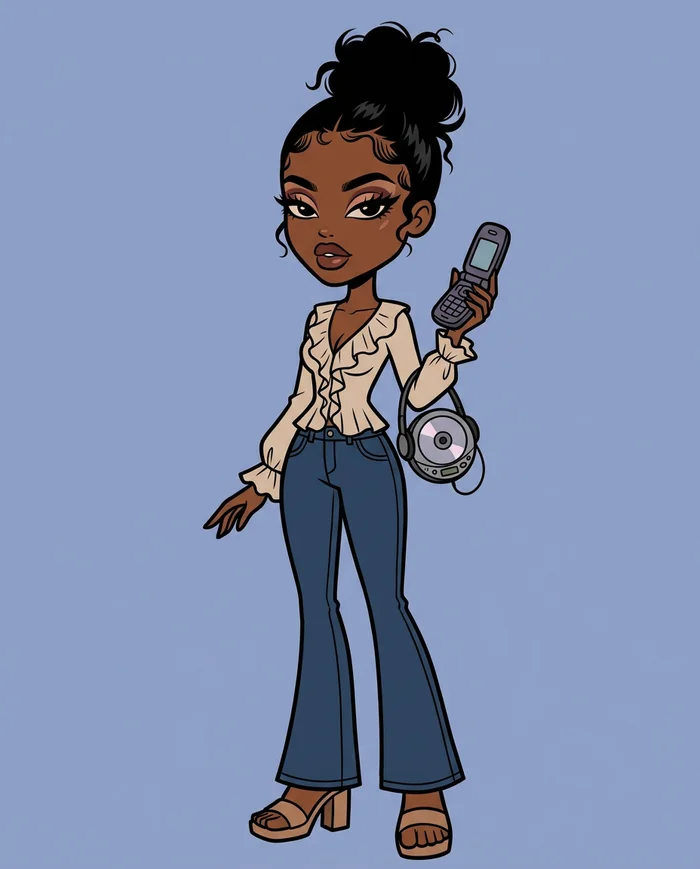
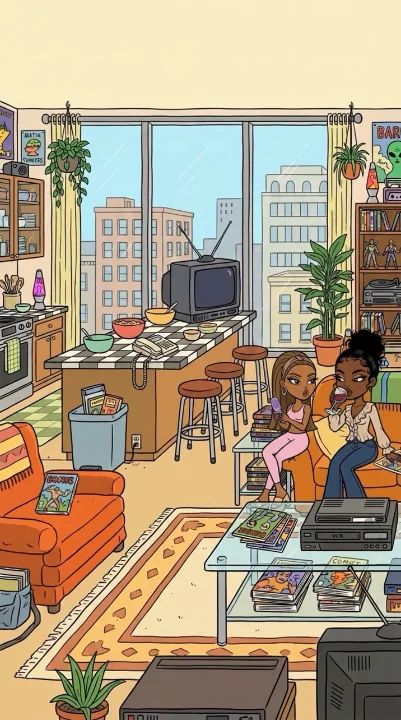
| Style | Feels like | Great for |
|---|---|---|
| 2000s TV cartoon | Classic adult animated shows | Comedy, everyday drama |
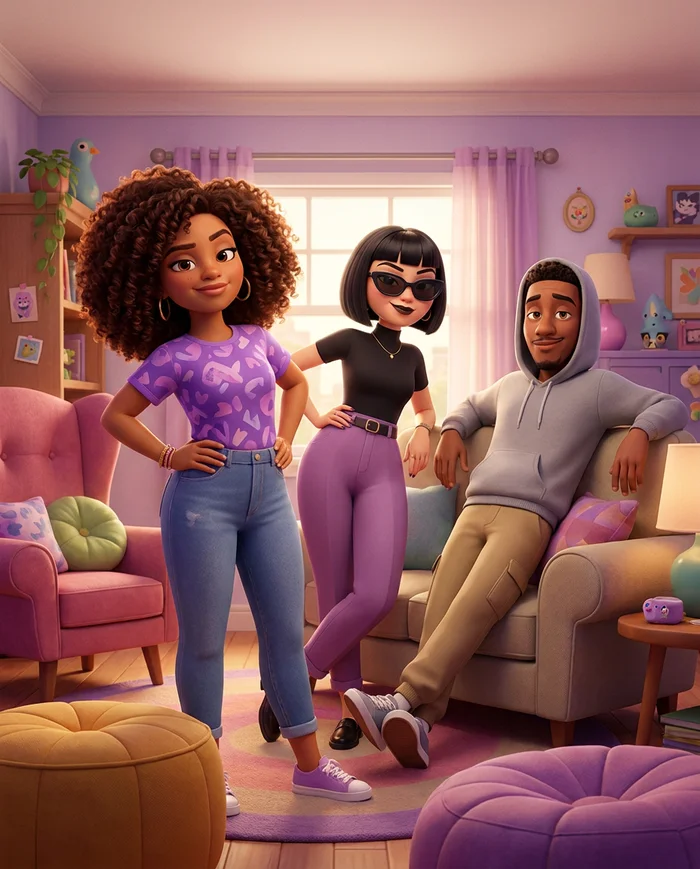
| 3D movie | Big studio family movies | Family stories, comedy |
| 90s anime | Japanese animated series | Action, romance, drama |
| Golden era 2D | Classic hand-drawn cartoons | Nostalgia, storytime |
| Y2K doll | Glossy early 2000s doll world | Fashion, friendship, drama |
Stick to one style for the whole series.
Step 2: Design your main characters
Build two or three characters you will use in every episode. Give each a distinct silhouette, hairstyle and outfit so viewers recognize them instantly, even as a thumbnail.
On Elsewhere Studios, Toons lets you design characters with a character builder, choose from many hairstyles and outfit pieces, and save extra outfits to each character's wardrobe so they can change clothes without changing who they are.
Step 3: Build your recurring locations
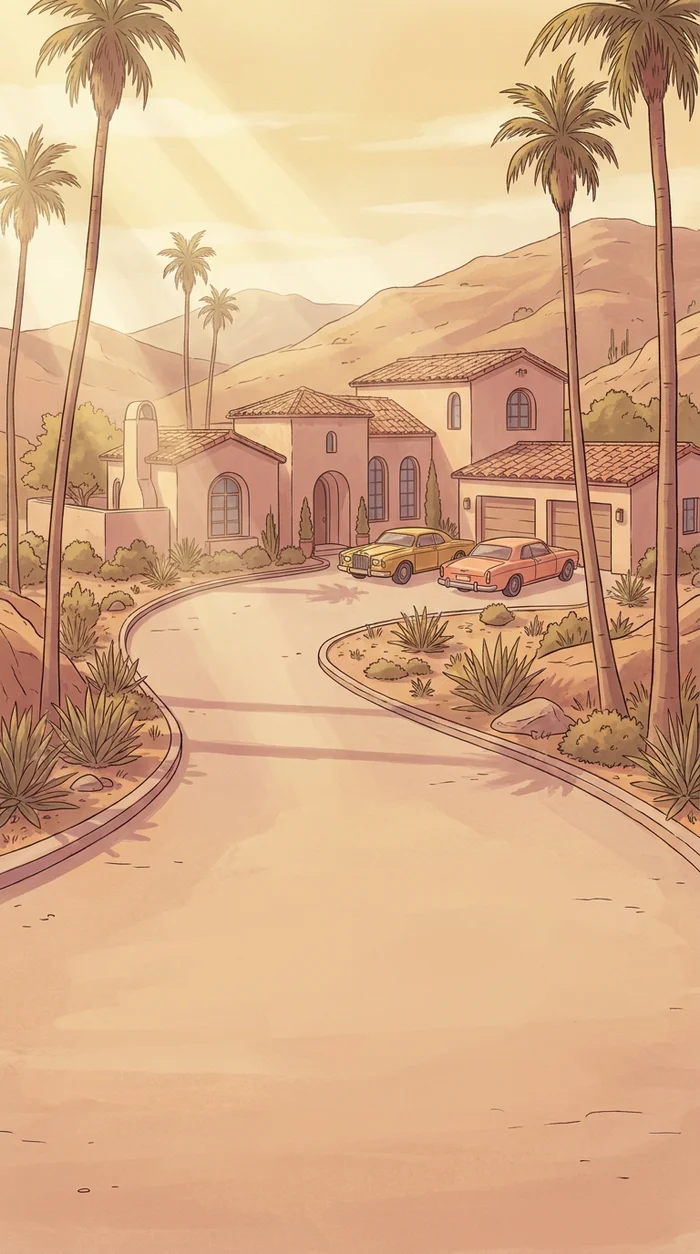
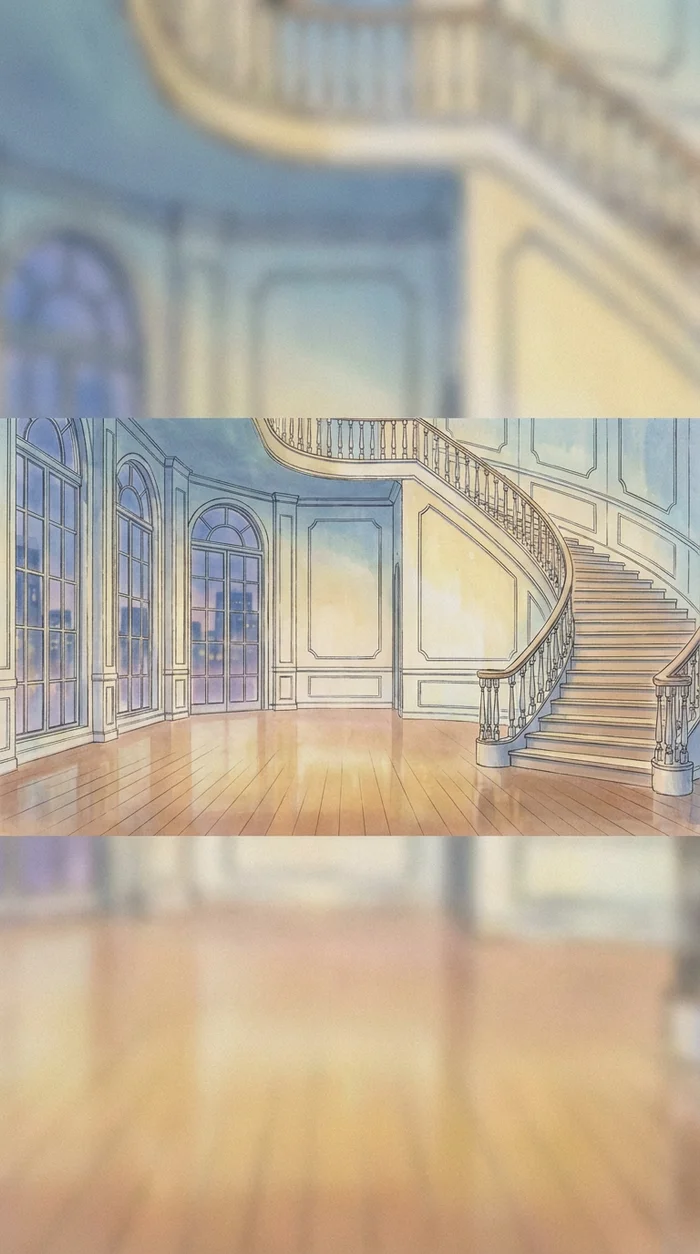

Most great shows live in a handful of places: the family house, the school, the corner store. Create those sets once and reuse them so your world feels real and lived in.
Step 4: Write the episode
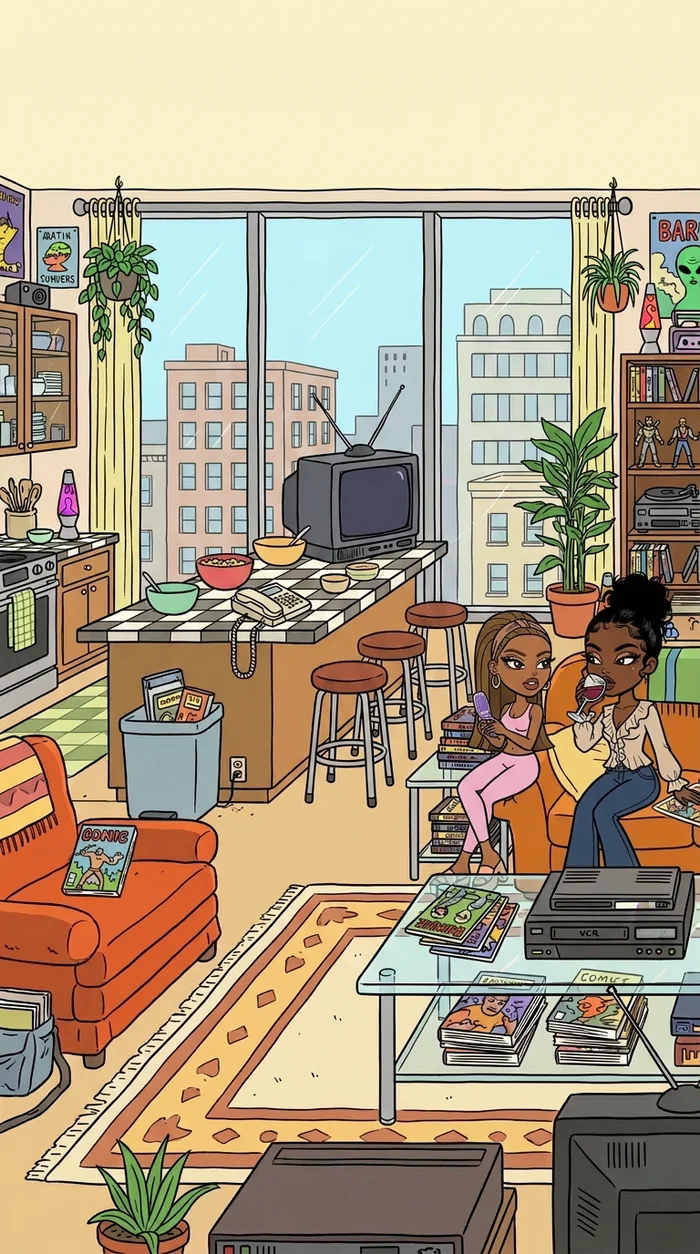
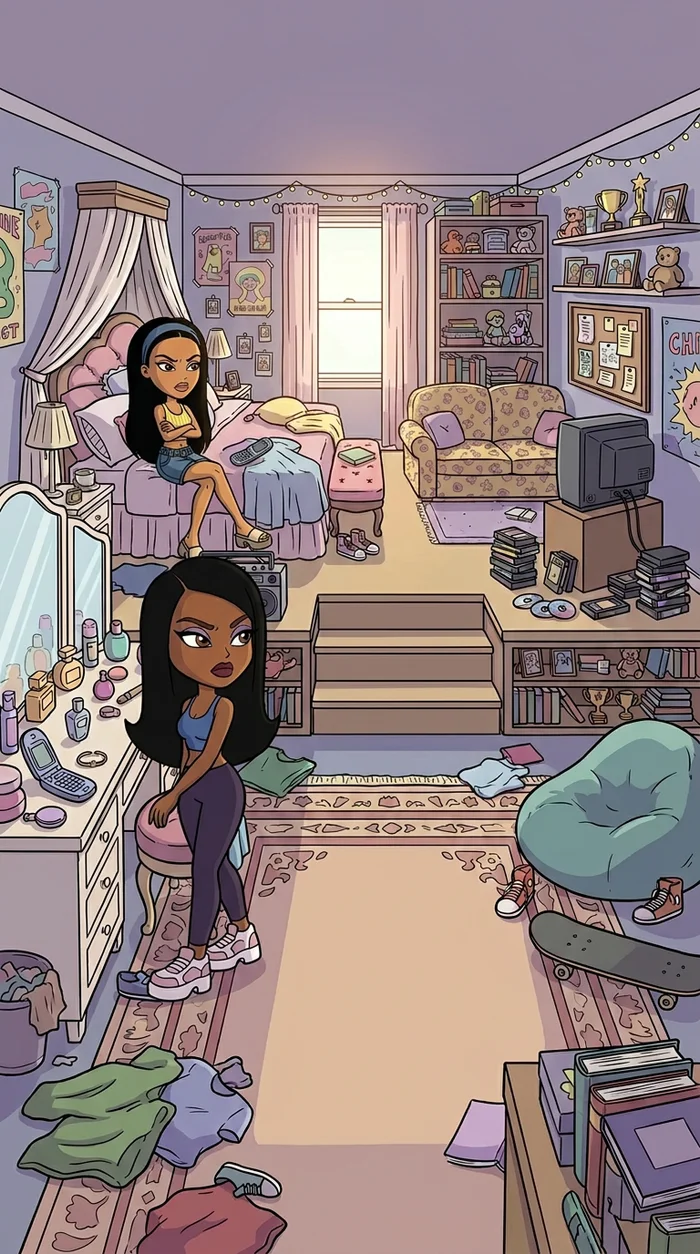

Write each scene in one prompt: who is in it, where they are, what happens and what they say. Put the dialogue right in the prompt so your characters speak on screen.
- Start with a problem in the first five seconds.
- Let each character react in their own personality.
- End with a punchline or a cliffhanger.
Step 5: Choose your format
Different platforms want different shapes. Vertical 9:16 for TikTok, Reels and Shorts. Wide 16:9 for YouTube. Toons on Elsewhere Studios also offers formats like 4:3 for a classic TV feel and 21:9 for a cinematic look.
Step 6: Generate, stitch and post
- Generate each scene, using up to 15 seconds per clip on supported models.
- Combine scenes into one episode.
- Add optional captions for viewers watching on mute.
- Post episodes in order and name them so people can follow the series.
Ideas to get you started
- A family of talking fruit dealing with everyday drama.
- Two best friends running a tiny bakery.
- A grandma who secretly has superpowers.
- A school where the teachers are animals.
Learn it step by step: the AI Animation Masterclass
Every paid Elsewhere Studios plan includes the AI Animation Masterclass at no extra cost. Three video lessons show the exact process we use to create viral AI cartoon series: creating your characters and locations, building your show, and making your first episode.
Plans start at $19/month and also include the AI Campaign and AI Story Drama Masterclasses.
Frequently asked questions
Can I make my own cartoon with AI?
Yes. You can design your own characters and locations, write scenes with dialogue, and generate animated episodes with AI, no animation skills needed.
How do I keep my cartoon characters consistent?
Design each character once and reuse them in every scene. Elsewhere Studios Toons saves your characters, outfits and sets so they stay the same across episodes.
What cartoon styles can I make?
On Elsewhere Studios Toons you can create styles like 2000s TV cartoon, 3D movie, 90s anime, golden era 2D and Y2K doll. Pick one and keep it for the whole series.
Can my cartoon characters talk?
Yes. Write the dialogue into your scene prompt and the characters speak in the video.
Where should I post an AI cartoon series?
TikTok, Instagram Reels and YouTube Shorts for vertical episodes, and YouTube for longer wide-format episodes.
AI Animated Cartoons
Get it free in your inbox, plus our best tips for making content with AI.
Keep reading