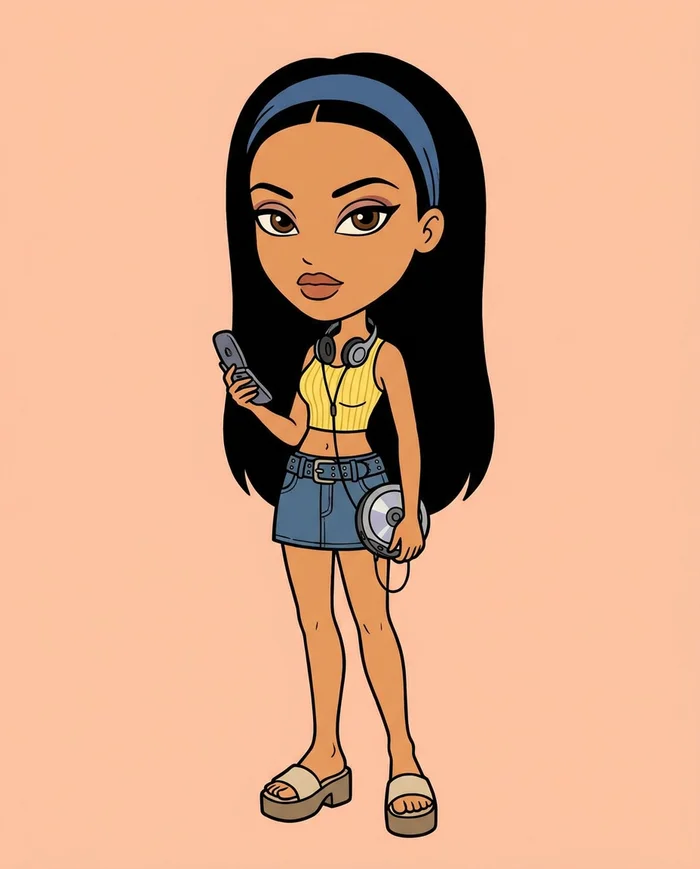
How to Make AI Story Drama Videos That People Binge
Creators · · 4 min read · By The Elsewhere Studios Team

AI story dramas are everywhere right now. Short episodes with recurring characters, messy relationships and a cliffhanger at the end. People follow them like a TV show and come back for part two.
The creators winning in this space are not using a fancy studio. They are using AI to cast characters, build scenes and generate every episode. Here is the exact process.
Step 1: Pick your world
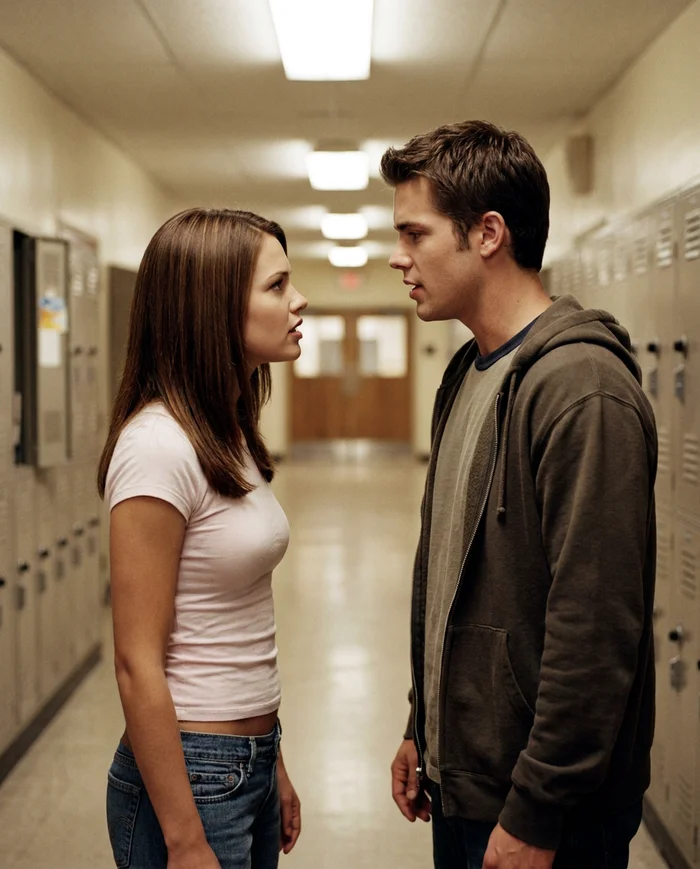
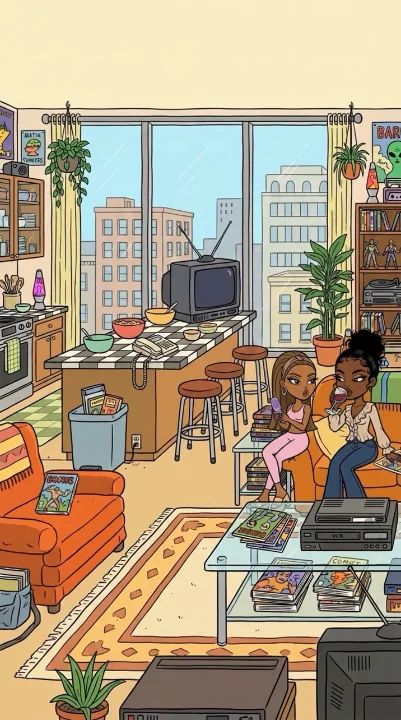
Choose a setting your audience instantly gets. A high school hallway. A hair salon. A family kitchen. A group chat that turns into a fight. Familiar settings mean you spend zero time explaining and all your time on drama.
Stuck? Ask ChatGPT for ten story ideas in your setting, each with a hook in the first line and a twist at the end. Pick the one that makes you want to know what happens next.
Step 2: Create your main characters
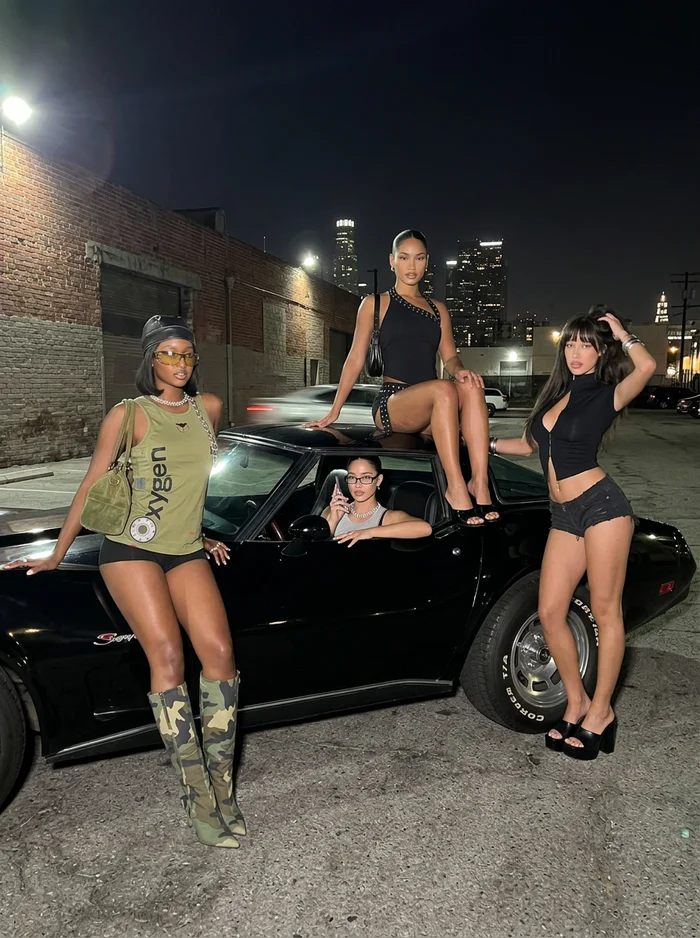
Your characters are the show. Viewers need to recognize them instantly in every episode, so they cannot change faces between scenes.
- Keep the main cast to two or three people.
- Give each a clear look: hairstyle, signature outfit, accessories.
- Give each a clear role: the troublemaker, the one who gets hurt, the one who knows the secret.
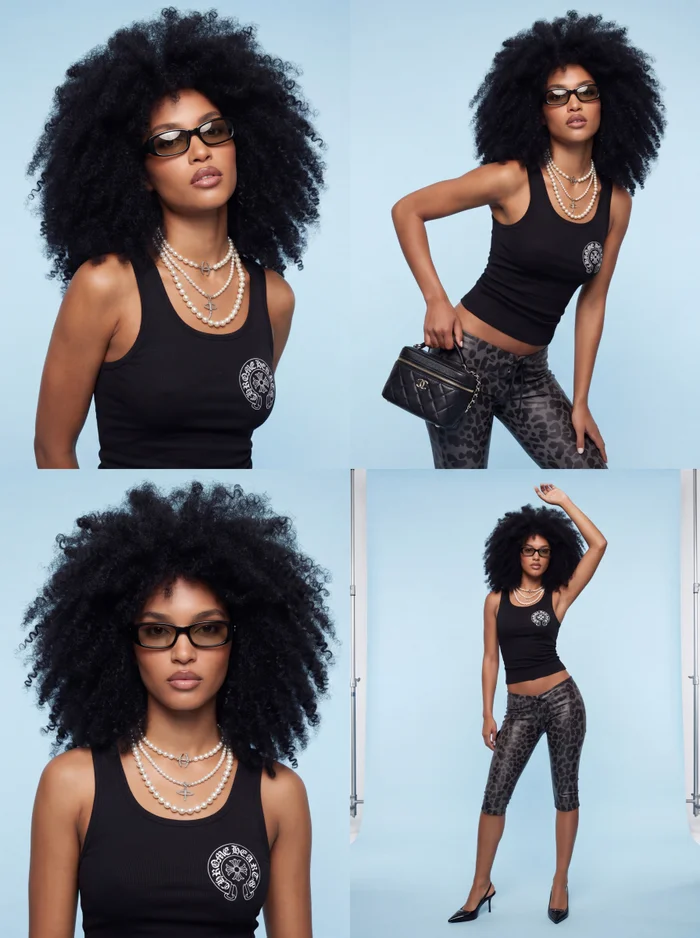
On Elsewhere Studios, build each character once in Model Studio, then dress them in different outfits for different episodes while keeping the same face.
Step 3: Write the scene as one prompt
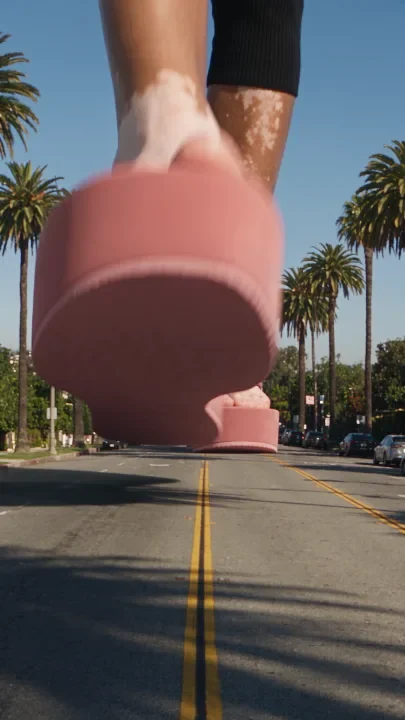


Write each scene like a mini screenplay: who is there, where they are, what they say and how they say it. Ask ChatGPT to turn your idea into a video prompt with dialogue written in, then paste it in and generate.
- Open on the most dramatic moment, not the setup.
- Keep dialogue short and punchy. One or two lines per character.
- End on a reaction shot or a line that begs for part two.
Step 4: Give it the vintage TV look
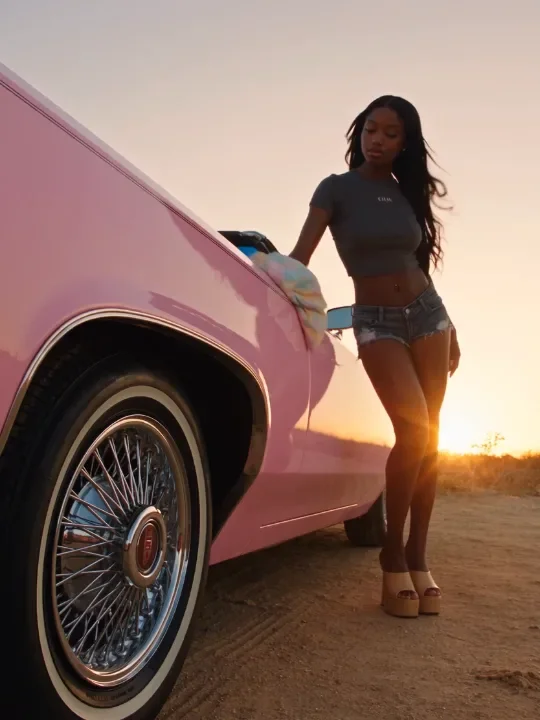
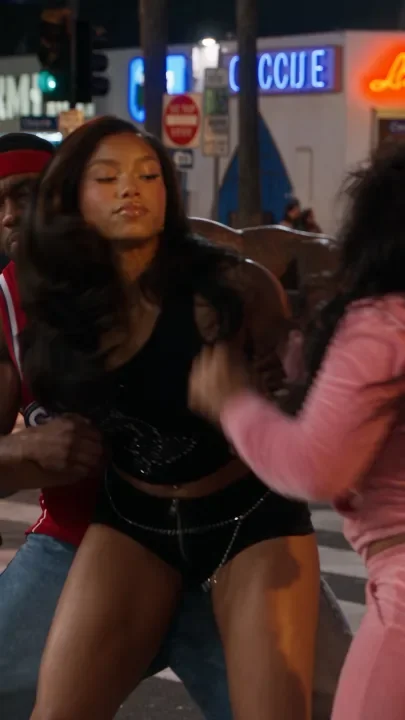
Part of what makes these dramas addictive is the look. A slightly grainy, early 2000s TV feel makes AI footage feel like a show you used to watch, not a tech demo.
Elsewhere Studios has video Filters built for this, including 2000s TV, Camcorder, VHS and Super 8, so you can add the look after the clip generates.
Step 5: Edit and post as a series
- Stitch your scenes in CapCut and add captions.
- Post episodes as Part 1, Part 2, Part 3 so people follow along.
- Pin the first episode to your profile.
- Post consistently. Series reward people who come back.
What tools do you need?
| Job | Tool |
|---|---|
| Story ideas and scripts | ChatGPT |
| Consistent characters | Elsewhere Studios Model Studio |
| Scene video with dialogue | Elsewhere Studios Videos |
| Vintage TV look | Elsewhere Studios Filters |
| Editing and captions | CapCut |
Paid Elsewhere plans also include Masterclass video lessons.
Learn it step by step: the AI Story Drama Masterclass

Every paid Elsewhere Studios plan includes the AI Story Drama Masterclass at no extra cost. Five video lessons walk through the exact process we use to create viral AI drama series: the series breakdown, creating your cast, dressing your characters, organizing scenes with ChatGPT, and turning scenes into video.
Plans start at $19/month and also include the AI Campaign and AI Animation Masterclasses.
Frequently asked questions
How do people make AI drama videos?
Most creators write the story with ChatGPT, create consistent characters with an AI tool, generate each scene as a short video with dialogue, then edit the clips together in CapCut.
How do I keep my AI characters looking the same?
Build each character once and reuse them. On Elsewhere Studios, Model Studio keeps the same face across every scene while you change outfits and settings.
Can AI characters talk in the videos?
Yes. Write the dialogue directly into your scene prompt and the video model generates the characters speaking.
How do I get the old TV look?
Use a vintage filter after generating. Elsewhere Studios includes 2000s TV, Camcorder, VHS and Super 8 filters.
How long should each episode be?
Most viral drama episodes run 30 to 90 seconds, made from several short scenes stitched together.
AI Drama Stories
Get it free in your inbox, plus our best tips for making content with AI.
Keep reading