Logo
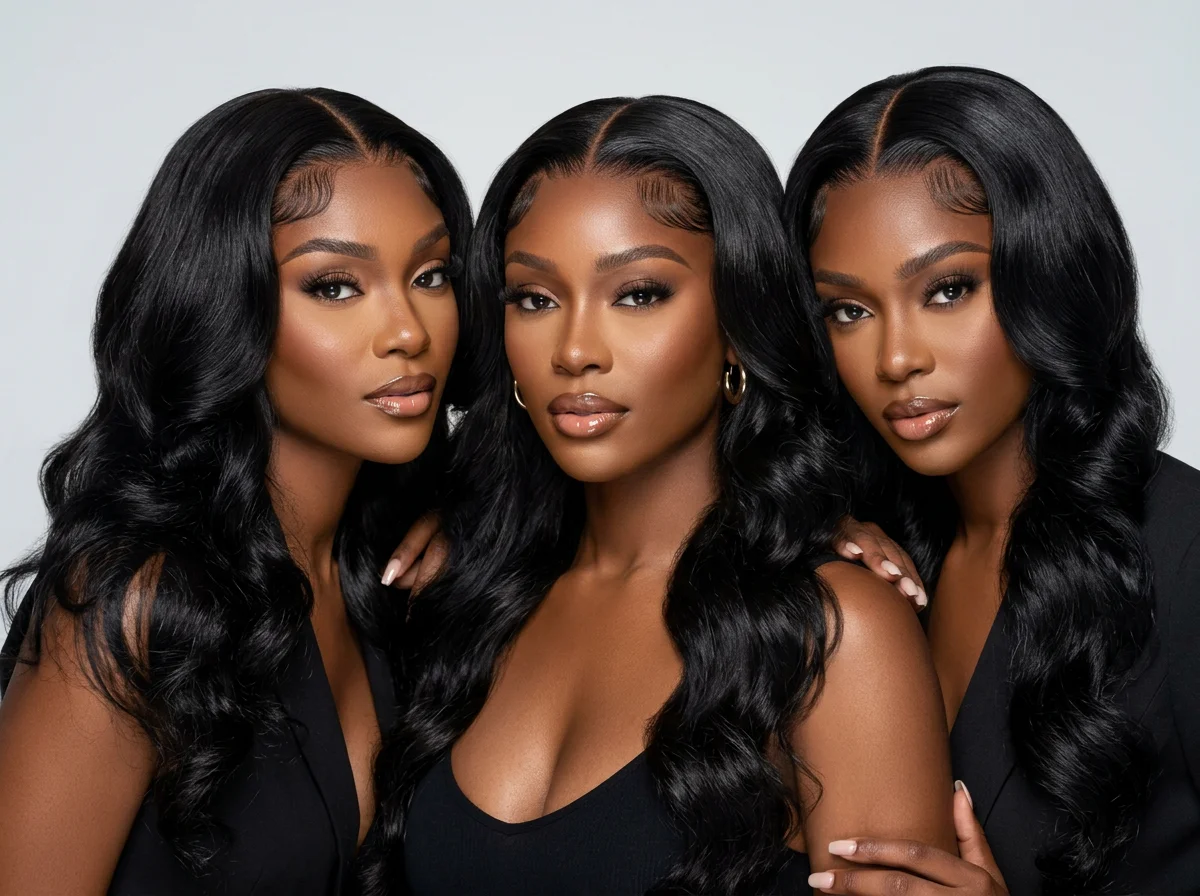
    AI hair campaign photo of three models with glossy jet-black installs made with Elsewhere Studios
    Guides

    AI Hair Brand Campaigns: How to Shoot Bundles, Wigs and Haircare With AI

    6 min readBy The Elsewhere Studios Team

    On this page

    Hair is one of the hardest products to shoot. Bundles need to look full and glossy. Wigs need a lace that melts and edges that are laid. Haircare needs shine, movement and texture you can almost feel. Getting all of that on a real set takes a model, a stylist, a photographer and a full day, and you need new content every week.

    That is why more hair brands are building their campaigns with AI. In this guide we cover what an AI hair campaign is, what it costs next to a traditional shoot, the ideas that work best for bundles, wigs and haircare, and how to make one step by step.

    Why hair brands are moving to AI campaigns

    • Speed. Trends on TikTok move in days. AI lets you post a new texture, color or install the same week it drops.
    • One face for your brand. A consistent AI model means your customers see the same girl on your site, your ads and your Instagram.
    • Every texture, on demand. Straight, body wave, deep wave, kinky curly, blonde, colored. You do not need a new wig unit and a new model for each one.
    • Lower cost per post. A single shoot day can cost more than a year of AI content.
    • More testing. Try ten ad hooks instead of two, then keep the winners.

    What it costs: hair photoshoot vs AI

    AI tools for fashion and beauty brands compared
    CostTraditional hair shootAI campaign on Elsewhere Studios
    Production dayAbout $5,000 to $15,000 per day for a high quality shootNo shoot day needed
    Model and stylistBooked and paid per shootYour own consistent AI model, built once in Model Studio
    New textures and colorsNew units, new styling, often a new shootChange the prompt and generate again
    TurnaroundWeeks from planning to final editsMinutes to hours
    VideoExtra crew and editingCinematic and UGC video in the same plan
    Monthly priceVaries by shootFree to start, paid plans from $19 a month

    Traditional shoot cost is an industry estimate for high quality hair and beauty shoots and varies by city and crew. Elsewhere Studios prices checked November 2026. Prices change, so confirm on each site.

    To be clear, AI does not replace every shoot. Many brands still do one real shoot a season for hero shots and use AI for the weekly content in between. That mix is where the savings really show up.

    6 AI hair campaign ideas that sell
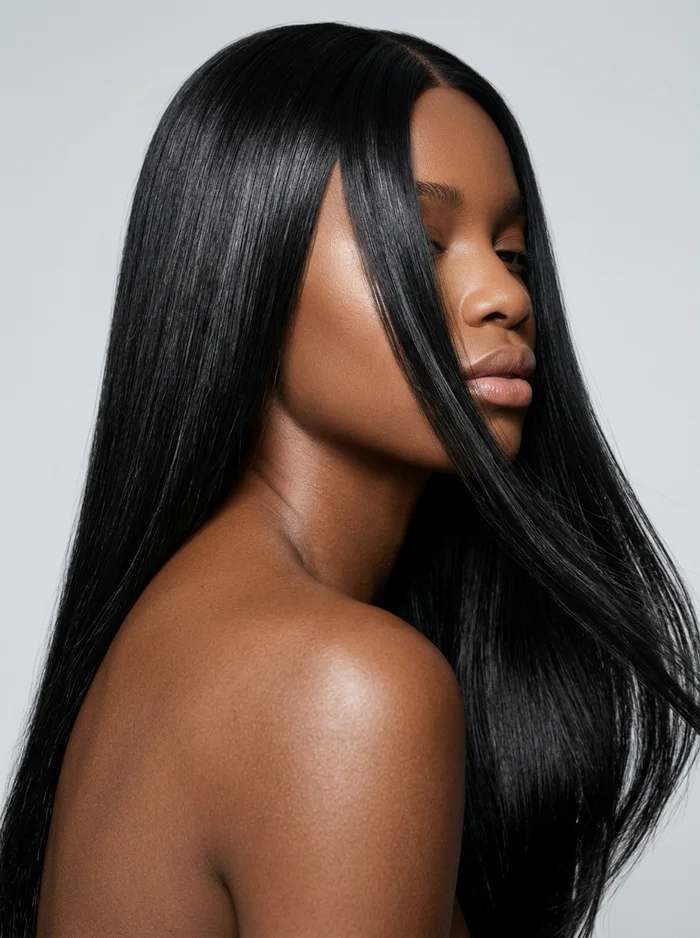
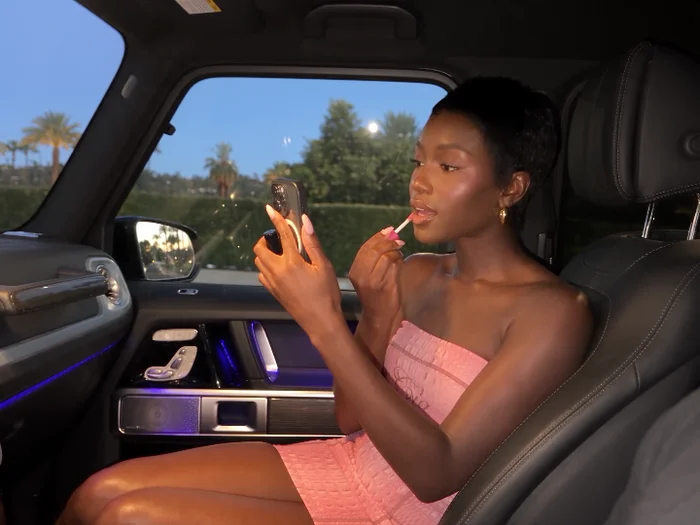
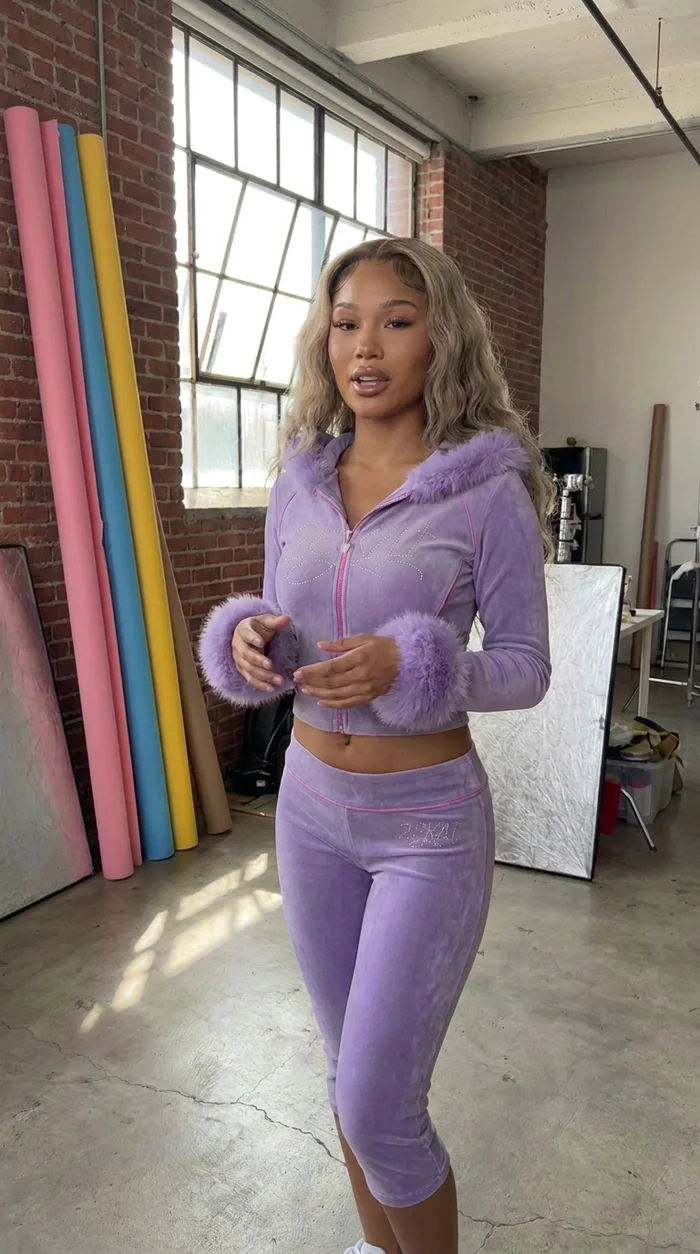
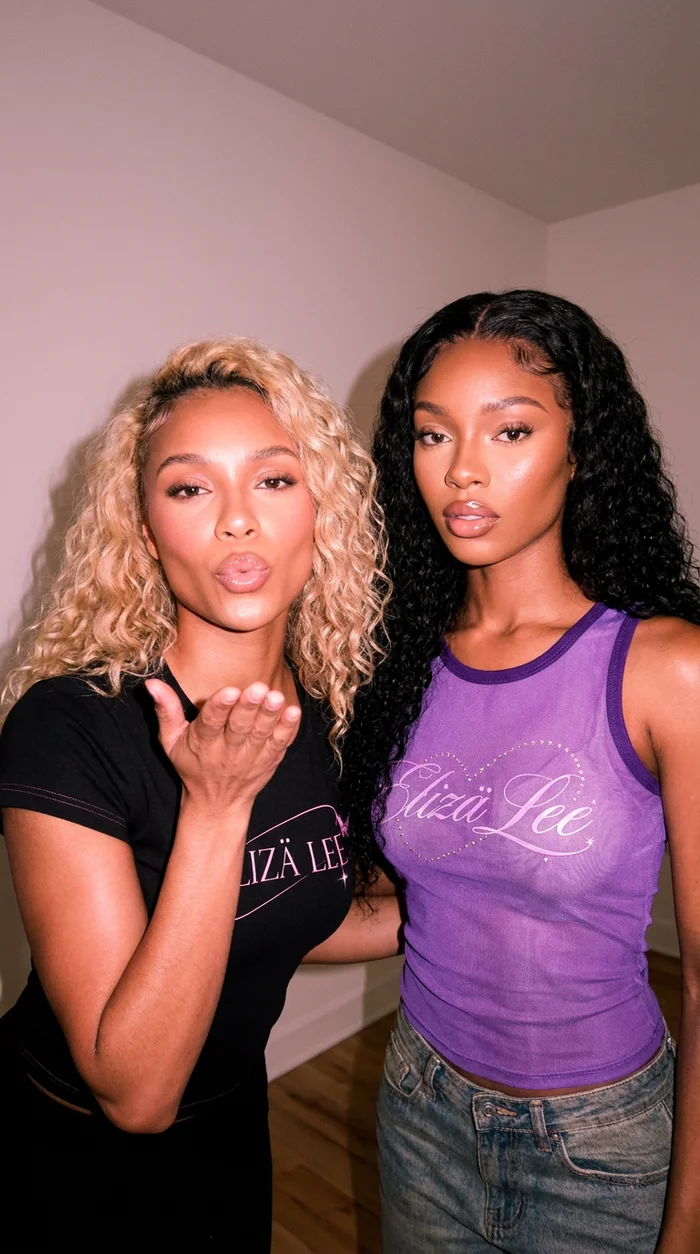
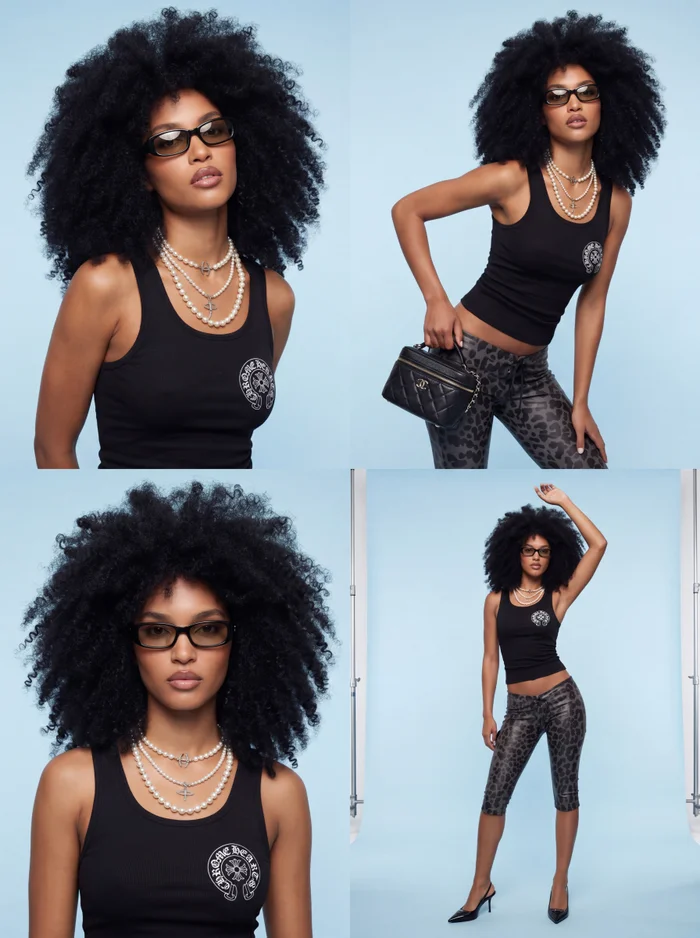
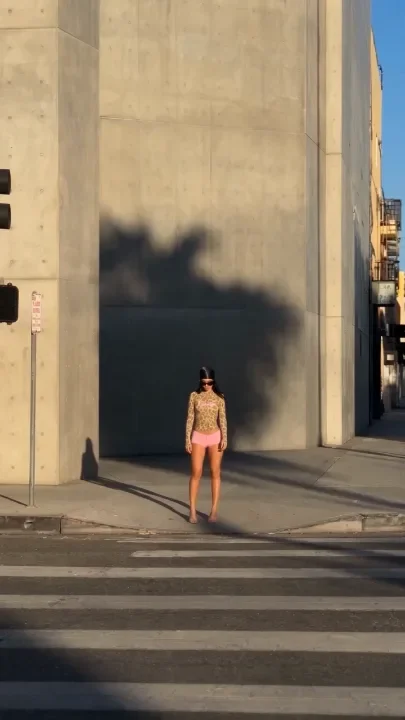
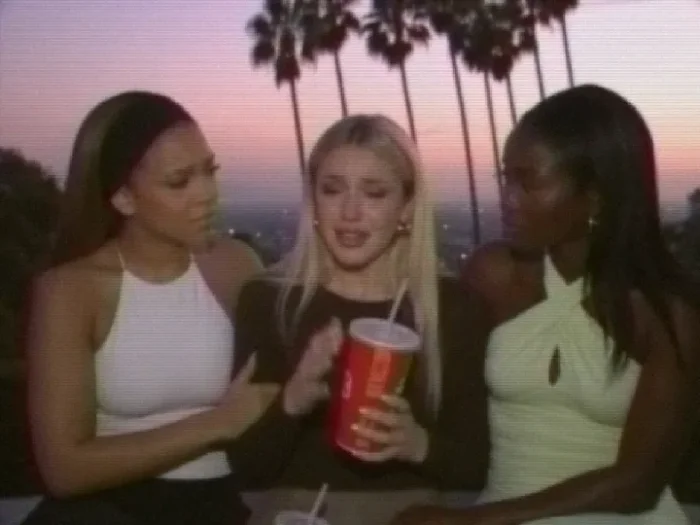
    Hair editorial, a transit poster campaign and a Y2K curls video, all made on Elsewhere Studios.

    1. Texture close-ups

    Fill the frame with hair. Sleek straight hair flowing across a bare shoulder, or a body wave catching the light. These shots sell bundles because the texture is the product. Keep the face partly hidden so the hair is the star.

    2. The install reveal

    A short vertical video where the model turns to camera and flips her hair. Ask for laid edges, a natural hairline and a melted lace. This is the hair version of a fit check and it works great on TikTok and Reels.

    3. Poster and billboard mockups

    Show your campaign on subway posters or a city billboard. It makes a small brand look big and gives you a launch post that feels like a real campaign drop.

    4. A website hero

    Three models, three textures, one tight editorial frame. Use it on your homepage or collection banner so shoppers see your range in one glance.

    5. Y2K salon story

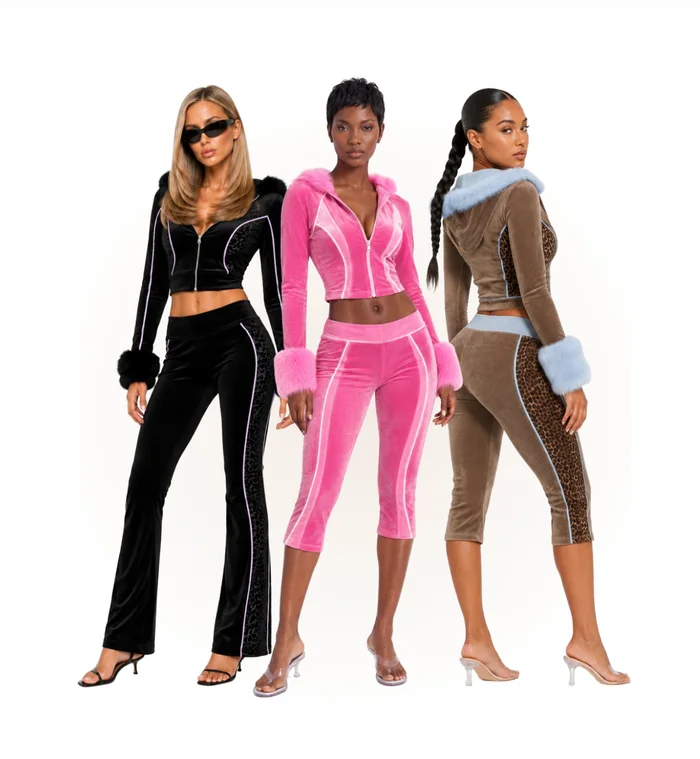
    Pink salon, big bouncy blowouts, early 2000s energy. Add the 2000s TV or Camcorder filter so the clip feels like a lost music video. Nostalgia content gets shared.

    6. UGC style review

    A casual phone filmed clip of a girl talking about her new unit, how it feels and how it holds up. UGC style ads often beat polished ads for hair because they feel like a real customer.

    How to make an AI hair campaign step by step

    • Step 1. Build your brand model in Model Studio. Pick her face, skin tone, body and signature hair so she stays the same in every shot.
    • Step 2. Upload your product. Add clear photos of the bundle, wig unit, closure or bottle so the AI can match color, length and texture.
    • Step 3. Pick an idea. Browse the Campaign Ideas library, or upload an inspiration image and let Echo write the prompt for you.
    • Step 4. Describe the hair in detail. Texture, length, part, color, shine and how it moves. More on this below.
    • Step 5. Make photos first. Choose your best frames for the site and Instagram.
    • Step 6. Turn the best frames into video. Use Seedance or Kling for cinematic motion, or make a UGC style ad. Add a filter like VHS or Super 8 if you want it to feel less polished.

    Prompt tips for realistic AI hair

    AI haircare brand campaign layout with glossy hair close-ups
    A campaign layout for a make-believe haircare brand, made on Elsewhere Studios.
    • Name the texture exactly: bone straight, body wave, deep wave, loose wave, kinky straight or curly.
    • Give the length in inches, like 26 inch body wave, so the AI does not guess.
    • Describe the part and hairline: middle part, side part, laid baby hairs, natural hairline, melted lace.
    • Ask for real hair physics: soft movement, strands catching light, natural flyaways. This stops the plastic look.
    • Say what you do not want: no stiff wig, no shiny plastic hair, no visible lace line.
    • Keep the hair locked in video by telling the model to preserve the exact hairstyle in every frame.

    Where AI hair content still falls short

    AI is not perfect, and we would rather you know that up front. Very tight curl patterns and coils can soften or blur, so check close-ups carefully. Fine lace details can drift between video frames. Your exact product can also shift slightly in color, so always compare the result to your real unit before you post it, and never show a texture or length you do not actually sell.

    On Elsewhere Studios, the honest trade off is setup time. You build your own brand model instead of picking a stock avatar, which takes a few minutes the first time. After that, every shot is faster.

    Learn the full workflow

    AI Campaign Masterclass cover
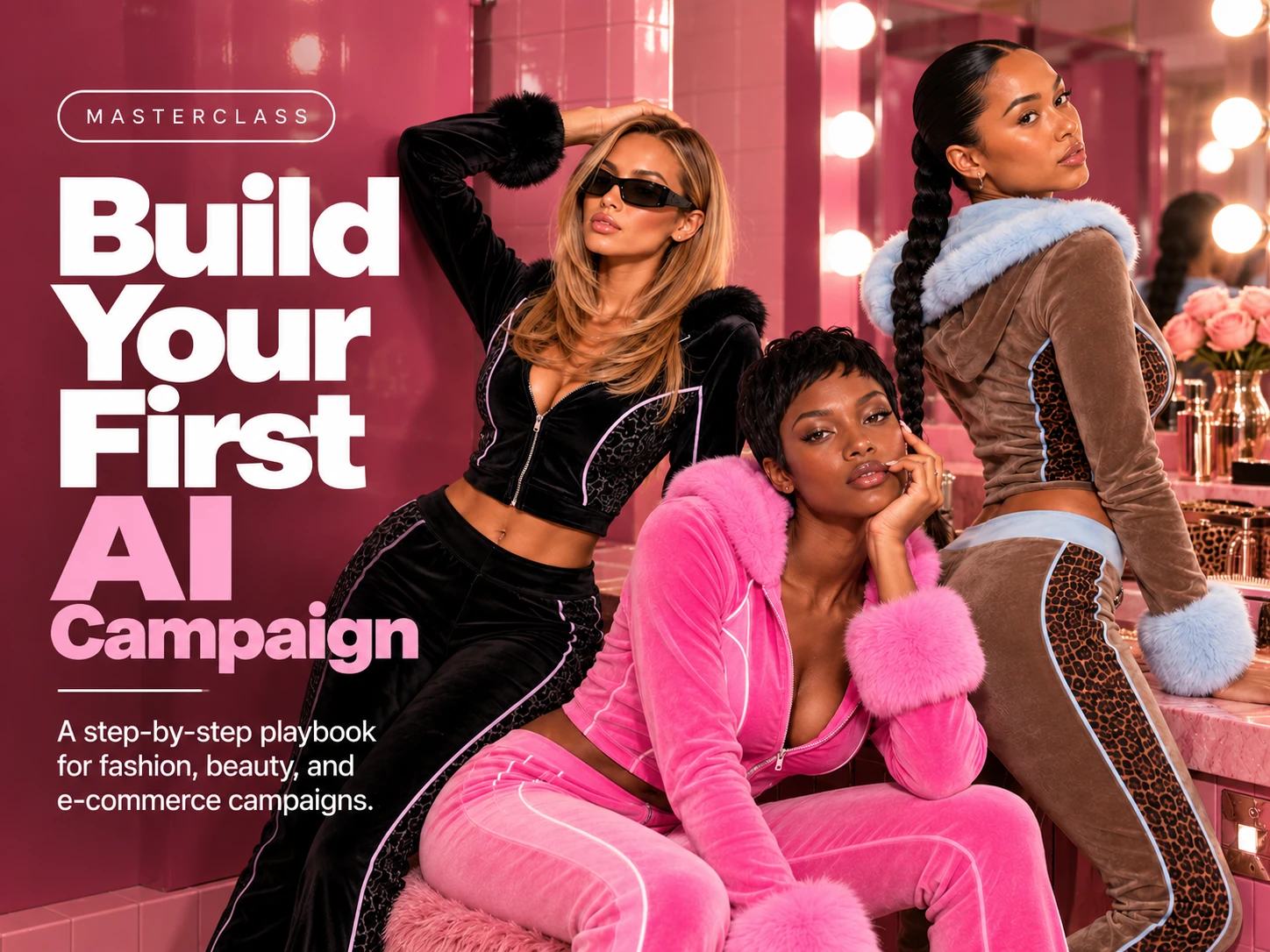
    The AI Campaign Masterclass is included with every paid plan.

    If you want to go deeper, the AI Campaign Masterclass walks you through planning a full campaign, building your model and turning photos into video. It is included with every paid plan: Starter $19 a month (120 credits), Creator $49 (350), Brand $99 (800) and Agency $199 (2,000). Every paid plan gets the full model lineup, including Nano Banana Pro, Seedance and Kling. Free users get a short preview of the course.

    FAQ

    Frequently asked questions

    Keep reading

    See all posts

    AI Hair Brand Campaigns: How to Shoot Bundles, Wigs and Haircare With AI

    Guides · · 6 min read · By The Elsewhere Studios Team

    AI hair campaign photo of three models with glossy jet-black installs made with Elsewhere Studios

    Hair is one of the hardest products to shoot. Bundles need to look full and glossy. Wigs need a lace that melts and edges that are laid. Haircare needs shine, movement and texture you can almost feel. Getting all of that on a real set takes a model, a stylist, a photographer and a full day, and you need new content every week.

    That is why more hair brands are building their campaigns with AI. In this guide we cover what an AI hair campaign is, what it costs next to a traditional shoot, the ideas that work best for bundles, wigs and haircare, and how to make one step by step.

    Why hair brands are moving to AI campaigns

    • Speed. Trends on TikTok move in days. AI lets you post a new texture, color or install the same week it drops.
    • One face for your brand. A consistent AI model means your customers see the same girl on your site, your ads and your Instagram.
    • Every texture, on demand. Straight, body wave, deep wave, kinky curly, blonde, colored. You do not need a new wig unit and a new model for each one.
    • Lower cost per post. A single shoot day can cost more than a year of AI content.
    • More testing. Try ten ad hooks instead of two, then keep the winners.

    What it costs: hair photoshoot vs AI

    AI tools for fashion and beauty brands compared
    CostTraditional hair shootAI campaign on Elsewhere Studios
    Production dayAbout $5,000 to $15,000 per day for a high quality shootNo shoot day needed
    Model and stylistBooked and paid per shootYour own consistent AI model, built once in Model Studio
    New textures and colorsNew units, new styling, often a new shootChange the prompt and generate again
    TurnaroundWeeks from planning to final editsMinutes to hours
    VideoExtra crew and editingCinematic and UGC video in the same plan
    Monthly priceVaries by shootFree to start, paid plans from $19 a month

    Traditional shoot cost is an industry estimate for high quality hair and beauty shoots and varies by city and crew. Elsewhere Studios prices checked November 2026. Prices change, so confirm on each site.

    To be clear, AI does not replace every shoot. Many brands still do one real shoot a season for hero shots and use AI for the weekly content in between. That mix is where the savings really show up.

    6 AI hair campaign ideas that sell
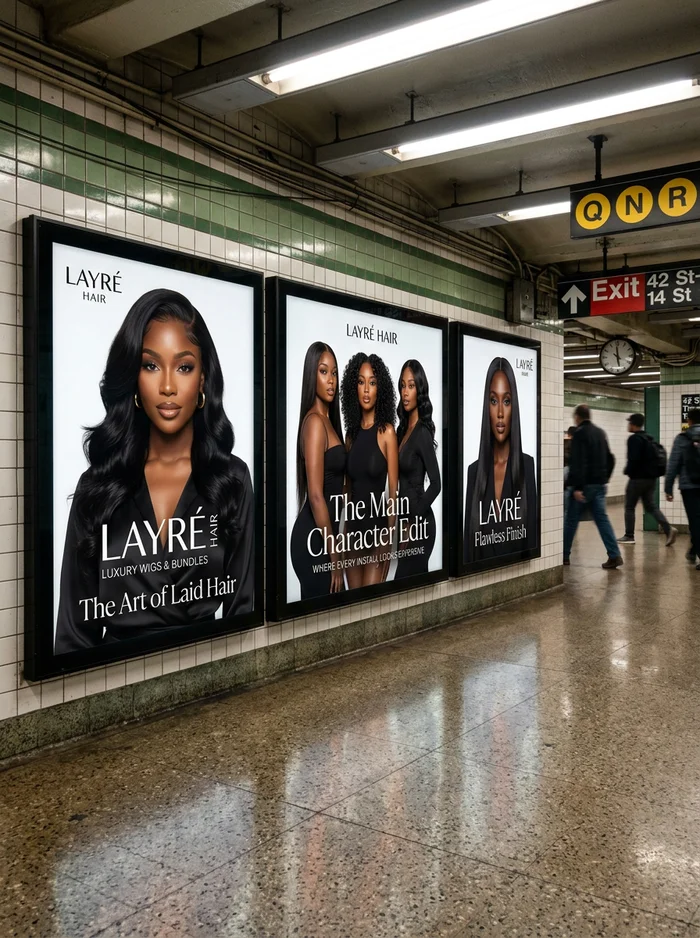
    Hair editorial, a transit poster campaign and a Y2K curls video, all made on Elsewhere Studios.

    1. Texture close-ups

    Fill the frame with hair. Sleek straight hair flowing across a bare shoulder, or a body wave catching the light. These shots sell bundles because the texture is the product. Keep the face partly hidden so the hair is the star.

    2. The install reveal

    A short vertical video where the model turns to camera and flips her hair. Ask for laid edges, a natural hairline and a melted lace. This is the hair version of a fit check and it works great on TikTok and Reels.

    3. Poster and billboard mockups

    Show your campaign on subway posters or a city billboard. It makes a small brand look big and gives you a launch post that feels like a real campaign drop.

    4. A website hero

    Three models, three textures, one tight editorial frame. Use it on your homepage or collection banner so shoppers see your range in one glance.

    5. Y2K salon story

    Pink salon, big bouncy blowouts, early 2000s energy. Add the 2000s TV or Camcorder filter so the clip feels like a lost music video. Nostalgia content gets shared.

    6. UGC style review

    A casual phone filmed clip of a girl talking about her new unit, how it feels and how it holds up. UGC style ads often beat polished ads for hair because they feel like a real customer.

    How to make an AI hair campaign step by step

    • Step 1. Build your brand model in Model Studio. Pick her face, skin tone, body and signature hair so she stays the same in every shot.
    • Step 2. Upload your product. Add clear photos of the bundle, wig unit, closure or bottle so the AI can match color, length and texture.
    • Step 3. Pick an idea. Browse the Campaign Ideas library, or upload an inspiration image and let Echo write the prompt for you.
    • Step 4. Describe the hair in detail. Texture, length, part, color, shine and how it moves. More on this below.
    • Step 5. Make photos first. Choose your best frames for the site and Instagram.
    • Step 6. Turn the best frames into video. Use Seedance or Kling for cinematic motion, or make a UGC style ad. Add a filter like VHS or Super 8 if you want it to feel less polished.

    Prompt tips for realistic AI hair
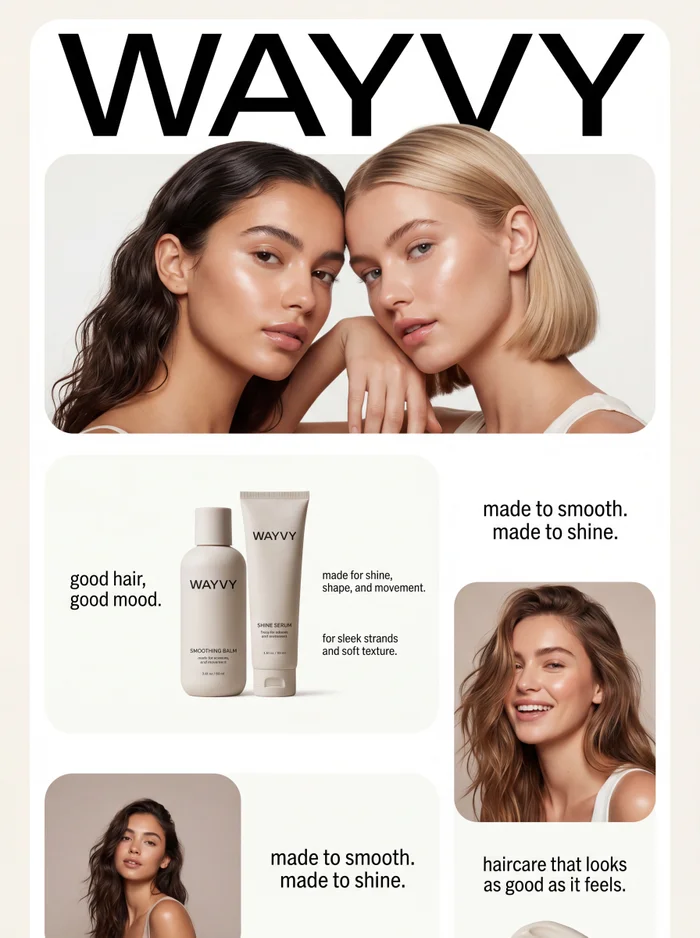
    AI haircare brand campaign layout with glossy hair close-ups
    A campaign layout for a make-believe haircare brand, made on Elsewhere Studios.
    • Name the texture exactly: bone straight, body wave, deep wave, loose wave, kinky straight or curly.
    • Give the length in inches, like 26 inch body wave, so the AI does not guess.
    • Describe the part and hairline: middle part, side part, laid baby hairs, natural hairline, melted lace.
    • Ask for real hair physics: soft movement, strands catching light, natural flyaways. This stops the plastic look.
    • Say what you do not want: no stiff wig, no shiny plastic hair, no visible lace line.
    • Keep the hair locked in video by telling the model to preserve the exact hairstyle in every frame.

    Where AI hair content still falls short

    AI is not perfect, and we would rather you know that up front. Very tight curl patterns and coils can soften or blur, so check close-ups carefully. Fine lace details can drift between video frames. Your exact product can also shift slightly in color, so always compare the result to your real unit before you post it, and never show a texture or length you do not actually sell.

    On Elsewhere Studios, the honest trade off is setup time. You build your own brand model instead of picking a stock avatar, which takes a few minutes the first time. After that, every shot is faster.

    Learn the full workflow
    AI Campaign Masterclass cover
    The AI Campaign Masterclass is included with every paid plan.

    If you want to go deeper, the AI Campaign Masterclass walks you through planning a full campaign, building your model and turning photos into video. It is included with every paid plan: Starter $19 a month (120 credits), Creator $49 (350), Brand $99 (800) and Agency $199 (2,000). Every paid plan gets the full model lineup, including Nano Banana Pro, Seedance and Kling. Free users get a short preview of the course.

    Frequently asked questions

    Can AI make realistic photos of wigs and bundles?

    Yes. Modern image models can show glossy bundles, laid edges and natural movement. Results look best when you upload clear photos of your real product and describe the texture, length and part in detail.

    How much does an AI hair campaign cost?

    On Elsewhere Studios you can start free with 25 credits and no card. Paid plans start at $19 a month. A traditional high quality hair shoot is often estimated at about $5,000 to $15,000 per day.

    Can I use the same AI model for every post?

    Yes. Model Studio builds a consistent brand model, so the same face and look appear across your photos, UGC ads and videos.

    Can AI make hair videos for TikTok?

    Yes. You can turn your best photos into cinematic video with models like Seedance and Kling, or make casual UGC style ads. Filters like Camcorder and VHS help clips feel native to TikTok.

    Is it okay to sell hair with AI images?

    It can be, as long as the images show your real product honestly. Match the color, texture and length you actually sell, and many brands also label AI content or mix it with real customer photos.

    Build Your First AI Campaign

    Get it free in your inbox, plus our best tips for making content with AI.

    Keep reading

    AI skincare campaign still life made with Elsewhere Studios
    How to Make AI Ads for Beauty and Skincare Brands That Look Real
    AI generated photo of a high-rise apartment with a downtown skyline view
    AI Businesses in the San Francisco Bay Area and How to Start Your Own
    Y2K doll style AI cartoon character made with Toons
    8 AI Cartoon Styles for Your Animated Series, and How to Pick One
    AI clothing brand showroom photo made with Elsewhere Studios
    How to Make AI Product Photos for Your Clothing Brand (No Photoshoot)
    AI fashion campaign collage made with Elsewhere Studios
    The Best AI Tools for Fashion and Beauty Brands in 2026
    AI Campaign Masterclass cover from Elsewhere Academy
    Elsewhere Academy: Learn to Make What Everyone Is Posting, for About $19
    Fashion video still made with Elsewhere Motion
    Meet Elsewhere Motion: Full Creative Control Over Every Shot
    AI luxury fashion campaign made with Elsewhere Studios
    The Best Higgsfield Alternatives for Fashion and Beauty Brands
    AI animated cartoon episode made with Elsewhere Studios Toons
    How to Create AI Animated Cartoons (Beginner Guide)
    Realistic AI drama series character made with Elsewhere Studios
    How to Create AI Drama Stories, From First Idea to Finished Episode
    AI story drama still with a flip phone look
    How to Make AI Story Drama Videos That People Binge
    AI cartoon character made with Elsewhere Studios Toons
    How to Make an AI Cartoon Series With the Same Characters Every Episode
    AI influencer character reference portrait made with Elsewhere Studios
    How to Make an AI Influencer or AI Twin, and Ways to Earn From It
    AI flash campaign photo of two models made with Elsewhere Studios
    The Best MakeUGC Alternatives for Fashion and Beauty Brands
    Y2K street fashion video still made with Seedance 2.5
    Seedance 2.5 vs Seedance 2.0: What Changed and Which One to Use
    AI fashion video with a VHS filter
    How to Make AI Video Look Like Real Camcorder, VHS or Super 8 Footage