Logo
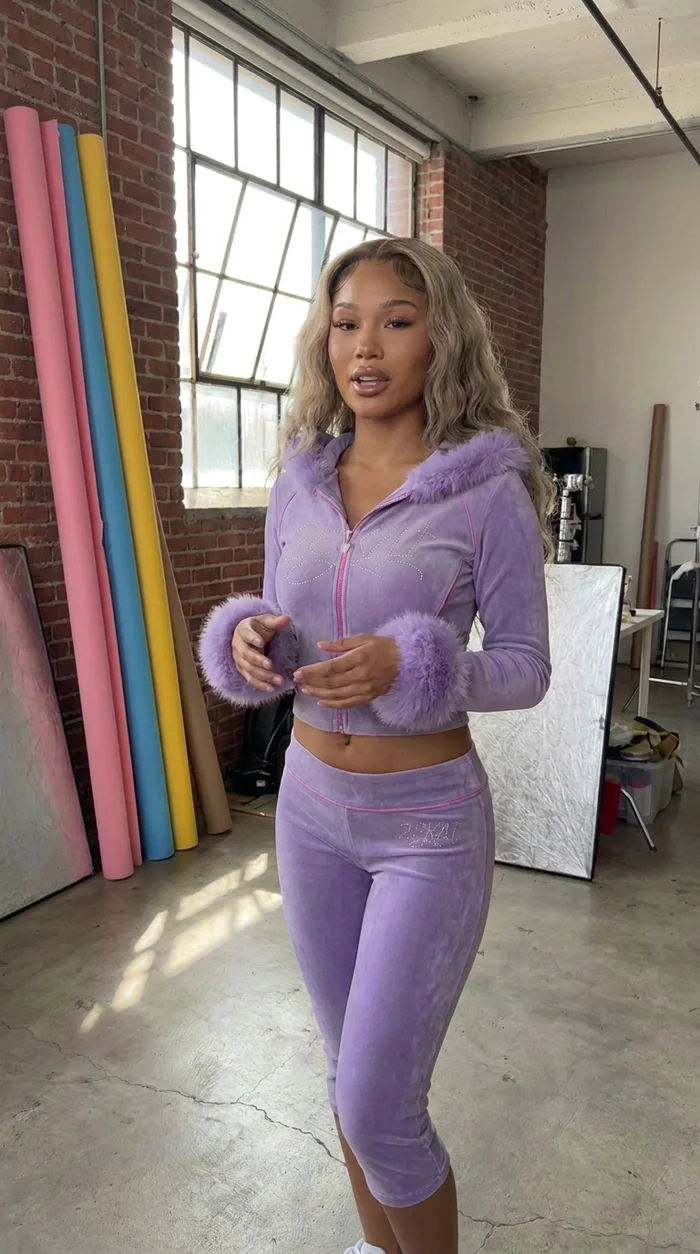
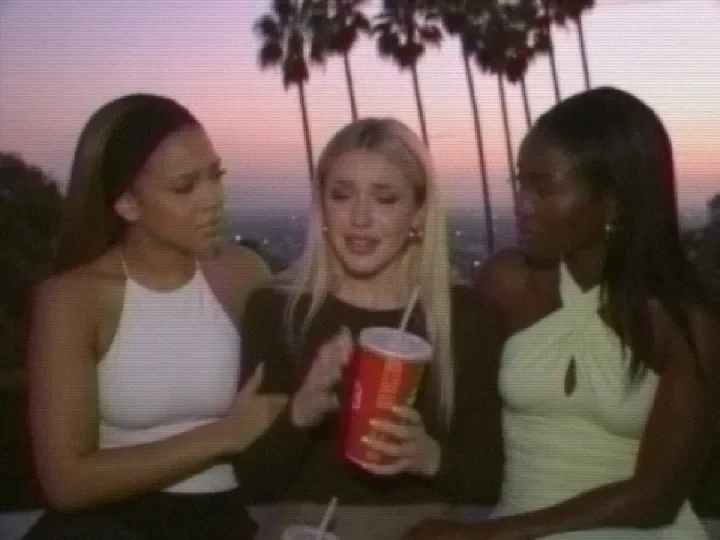
    AI fashion video with a VHS filter
    Features

    How to Make AI Video Look Like Real Camcorder, VHS or Super 8 Footage

    5 min readBy The Elsewhere Studios Team

    On this page

    Here is a secret of the AI videos that go viral: many of them do not look perfect on purpose. Grainy camcorder clips, washed out VHS tapes and warm Super 8 film feel real, nostalgic and personal. Viewers stop scrolling because the clip feels like a memory, not an ad.

    That is why we built Video Filters into Elsewhere Studios. Four looks, one tap, no editing app.

    The four filters

    AI tools for fashion and beauty brands compared
    FilterLooks likeGreat for
    2000s TVPunchy color, soft TV blur, gentle vignetteY2K fashion, reality show drama, music video vibes
    CamcorderBright, contrasty home video with fine linesFit checks, party clips, behind the scenes
    VHSFaded color, soft edges, color bleed, tape noiseNostalgic edits, throwback drops, moody stories
    Super 8Warm film color, grain, slight frame wobble and flickerSummer campaigns, travel, dreamy brand films

    Filters are included on every plan.

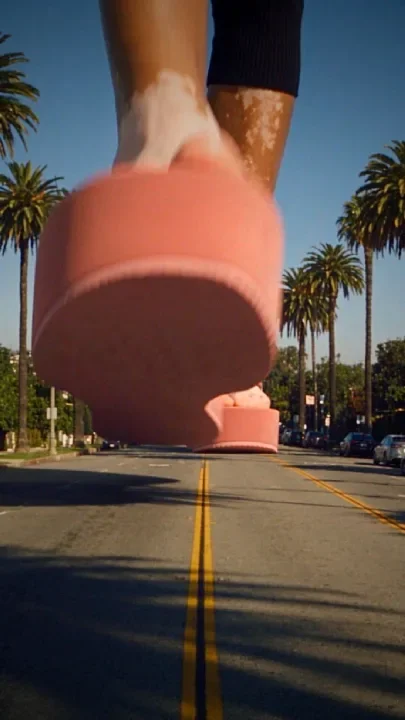
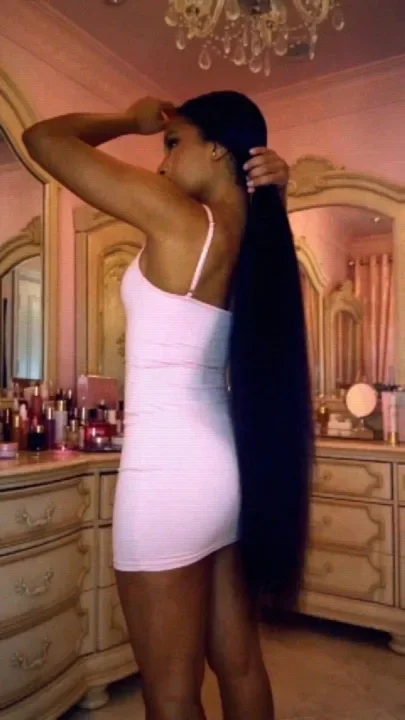
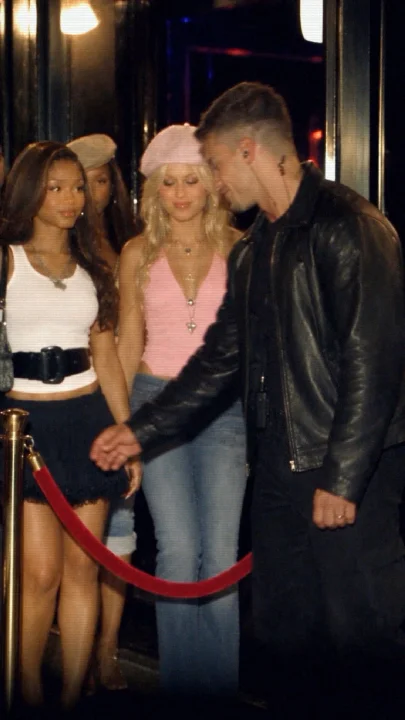
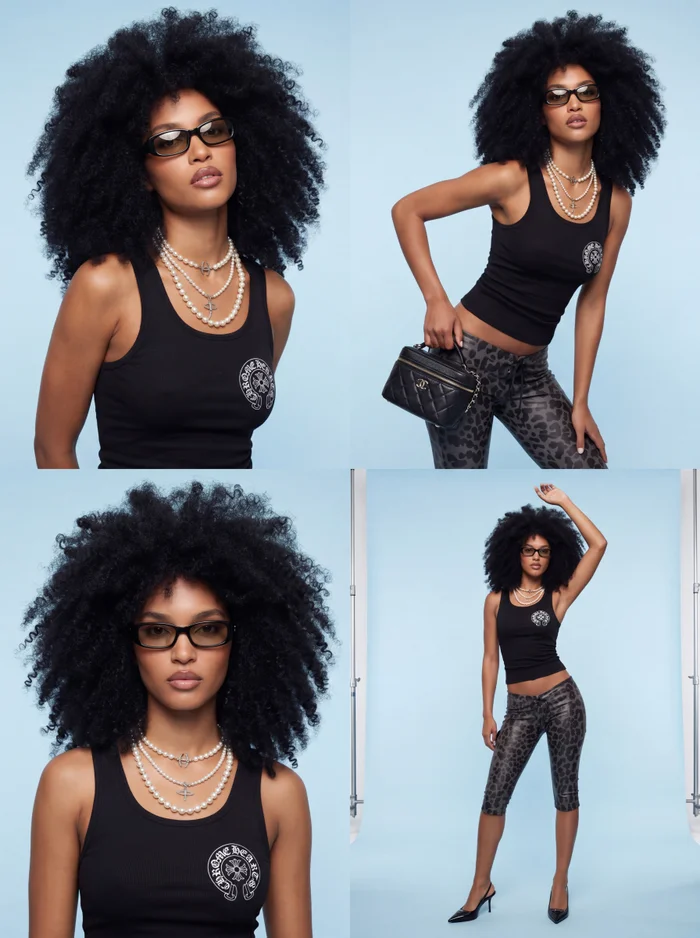
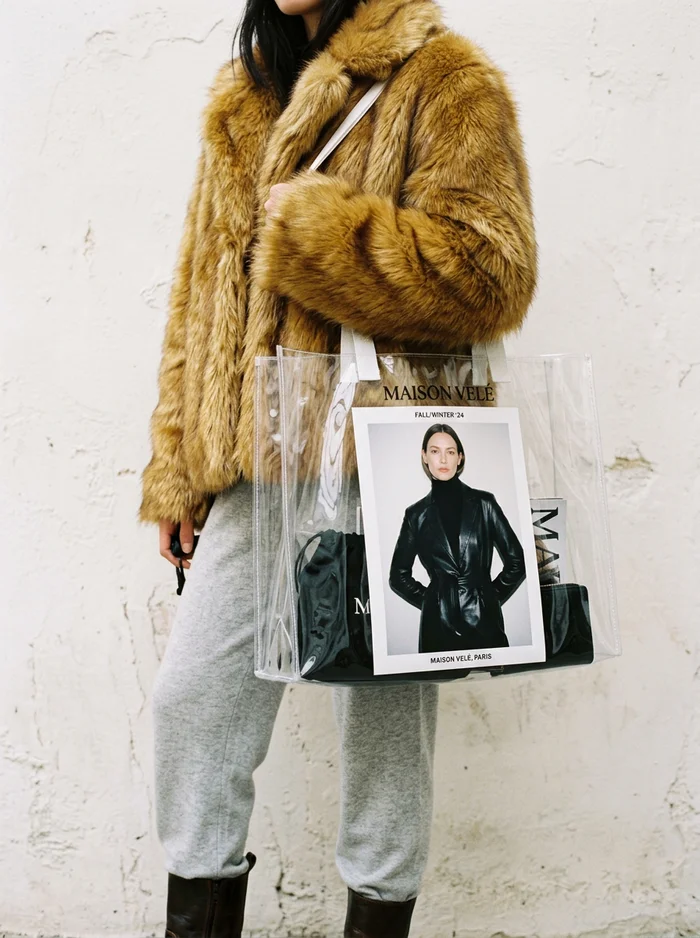
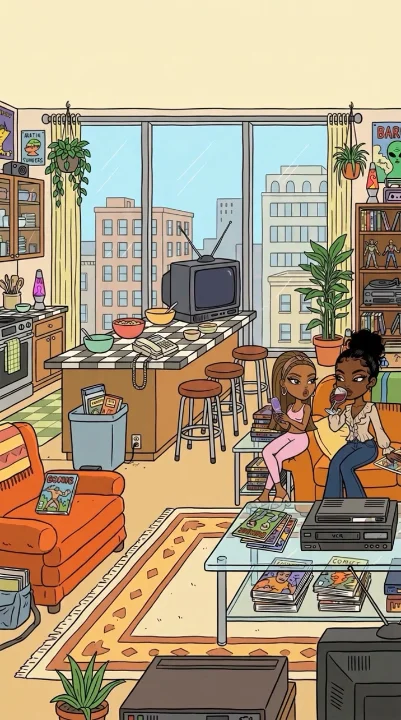
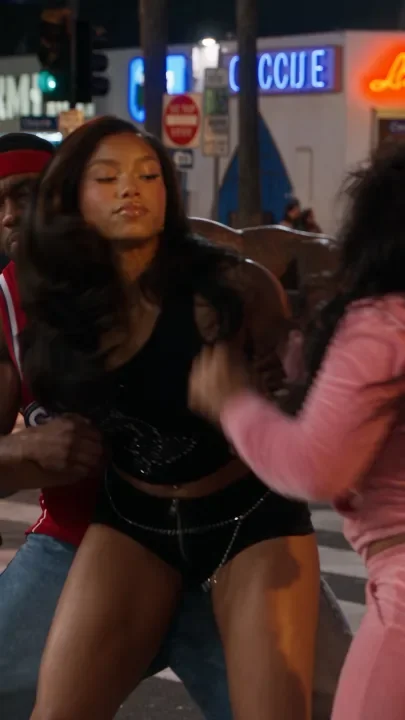
    Clips with Video Filters, made on Elsewhere Studios.

    Why vintage looks work so well

    • They feel real. Grain and soft focus hide the too perfect look that makes people think AI.
    • They feel personal. Camcorder footage says friends, parties and real life, not a studio.
    • They stand out. In a feed full of crisp clips, texture catches the eye.
    • They fit the trend. Y2K and 2000s style is everywhere in fashion and beauty right now.

    How to add a filter

    • Go to Create and choose Video.
    • Pick your model, such as Elsewhere Motion, Seedance or Kling.
    • Choose a filter: 2000s TV, Camcorder, VHS or Super 8.
    • Describe the scene and the action only. Leave words like VHS, grain or vintage out of the prompt.
    • Generate. The filter is applied to the finished video, and your sound is kept.

    If your Director settings are all on Auto, picking a filter also sets a matching look for you, like Super 8 with warm golden hour light. If you chose a very crisp look like Clean Beauty, we warn you, because a crisp look and a vintage filter fight each other.

    Tips for the best results

    • Shoot it like a real person would. Ask for handheld, phone height or a friend filming.
    • Use 4:3 with Camcorder or 2000s TV for an authentic old TV frame.
    • Keep scenes simple and candid: getting ready, a night out, a car ride.
    • Pair Super 8 with sunlight and warm colors.
    • Use VHS for moody or emotional moments in AI drama series.

    Want to see filters used in a real campaign? The AI Campaign Masterclass in the Elsewhere Academy shows how we plan and make fashion videos from start to finish. It is included with every paid plan.

    Where it falls short: filters are four set looks, not a full color grading suite. If you need custom grading, export and finish in your editor.

    FAQ
    Frequently asked questions

    Keep reading

    See all posts

    How to Make AI Video Look Like Real Camcorder, VHS or Super 8 Footage

    Features · · 5 min read · By The Elsewhere Studios Team

    AI fashion video with a VHS filter

    Here is a secret of the AI videos that go viral: many of them do not look perfect on purpose. Grainy camcorder clips, washed out VHS tapes and warm Super 8 film feel real, nostalgic and personal. Viewers stop scrolling because the clip feels like a memory, not an ad.

    That is why we built Video Filters into Elsewhere Studios. Four looks, one tap, no editing app.

    The four filters

    AI tools for fashion and beauty brands compared
    FilterLooks likeGreat for
    2000s TVPunchy color, soft TV blur, gentle vignetteY2K fashion, reality show drama, music video vibes
    CamcorderBright, contrasty home video with fine linesFit checks, party clips, behind the scenes
    VHSFaded color, soft edges, color bleed, tape noiseNostalgic edits, throwback drops, moody stories
    Super 8Warm film color, grain, slight frame wobble and flickerSummer campaigns, travel, dreamy brand films

    Filters are included on every plan.

    Clips with Video Filters, made on Elsewhere Studios.

    Why vintage looks work so well

    • They feel real. Grain and soft focus hide the too perfect look that makes people think AI.
    • They feel personal. Camcorder footage says friends, parties and real life, not a studio.
    • They stand out. In a feed full of crisp clips, texture catches the eye.
    • They fit the trend. Y2K and 2000s style is everywhere in fashion and beauty right now.

    How to add a filter

    • Go to Create and choose Video.
    • Pick your model, such as Elsewhere Motion, Seedance or Kling.
    • Choose a filter: 2000s TV, Camcorder, VHS or Super 8.
    • Describe the scene and the action only. Leave words like VHS, grain or vintage out of the prompt.
    • Generate. The filter is applied to the finished video, and your sound is kept.

    If your Director settings are all on Auto, picking a filter also sets a matching look for you, like Super 8 with warm golden hour light. If you chose a very crisp look like Clean Beauty, we warn you, because a crisp look and a vintage filter fight each other.

    Tips for the best results

    • Shoot it like a real person would. Ask for handheld, phone height or a friend filming.
    • Use 4:3 with Camcorder or 2000s TV for an authentic old TV frame.
    • Keep scenes simple and candid: getting ready, a night out, a car ride.
    • Pair Super 8 with sunlight and warm colors.
    • Use VHS for moody or emotional moments in AI drama series.

    Want to see filters used in a real campaign? The AI Campaign Masterclass in the Elsewhere Academy shows how we plan and make fashion videos from start to finish. It is included with every paid plan.

    Where it falls short: filters are four set looks, not a full color grading suite. If you need custom grading, export and finish in your editor.

    Frequently asked questions

    How do I make a video look like a camcorder?

    On Elsewhere Studios, choose the Camcorder filter when you create a video. For the best result, describe a candid, handheld moment and use a 4:3 or 9:16 frame.

    How do I add a VHS effect to an AI video?

    Pick the VHS Video Filter before you generate. It adds faded color, color bleed and tape noise to the finished video automatically.

    Do video filters remove the sound?

    No. Filters change only the picture. Your video's sound, voices and music are kept.

    Should I write VHS or grain in my prompt?

    No. Let the filter add the vintage look and describe only the scene and action. Adding those words can make the result look overdone.

    Are Video Filters free?

    Yes. Filters are included on every Elsewhere Studios plan, including the free plan.

    AI Prompt Guide

    Get it free in your inbox, plus our best tips for making content with AI.

    Keep reading

    AI skincare campaign still life made with Elsewhere Studios
    How to Make AI Ads for Beauty and Skincare Brands That Look Real
    AI generated photo of a high-rise apartment with a downtown skyline view
    AI Businesses in the San Francisco Bay Area and How to Start Your Own
    Y2K doll style AI cartoon character made with Toons
    8 AI Cartoon Styles for Your Animated Series, and How to Pick One
    AI hair campaign photo of three models with glossy jet-black installs made with Elsewhere Studios
    AI Hair Brand Campaigns: How to Shoot Bundles, Wigs and Haircare With AI
    AI clothing brand showroom photo made with Elsewhere Studios
    How to Make AI Product Photos for Your Clothing Brand (No Photoshoot)
    AI fashion campaign collage made with Elsewhere Studios
    The Best AI Tools for Fashion and Beauty Brands in 2026
    AI Campaign Masterclass cover from Elsewhere Academy
    Elsewhere Academy: Learn to Make What Everyone Is Posting, for About $19
    Fashion video still made with Elsewhere Motion
    Meet Elsewhere Motion: Full Creative Control Over Every Shot
    AI luxury fashion campaign made with Elsewhere Studios
    The Best Higgsfield Alternatives for Fashion and Beauty Brands
    AI animated cartoon episode made with Elsewhere Studios Toons
    How to Create AI Animated Cartoons (Beginner Guide)
    Realistic AI drama series character made with Elsewhere Studios
    How to Create AI Drama Stories, From First Idea to Finished Episode
    AI story drama still with a flip phone look
    How to Make AI Story Drama Videos That People Binge
    AI cartoon character made with Elsewhere Studios Toons
    How to Make an AI Cartoon Series With the Same Characters Every Episode
    AI influencer character reference portrait made with Elsewhere Studios
    How to Make an AI Influencer or AI Twin, and Ways to Earn From It
    AI flash campaign photo of two models made with Elsewhere Studios
    The Best MakeUGC Alternatives for Fashion and Beauty Brands
    Y2K street fashion video still made with Seedance 2.5
    Seedance 2.5 vs Seedance 2.0: What Changed and Which One to Use